Assigning Printers to Print From Different Trays
This FAQ will cover how to assign printers to print from specific trays.
Windows Configuration
Each desired print tray must be set up as separate printer instance in Window’s settings. Configure each instance of the printer to the desired tray within its printing preferences.
Paradigm configuration
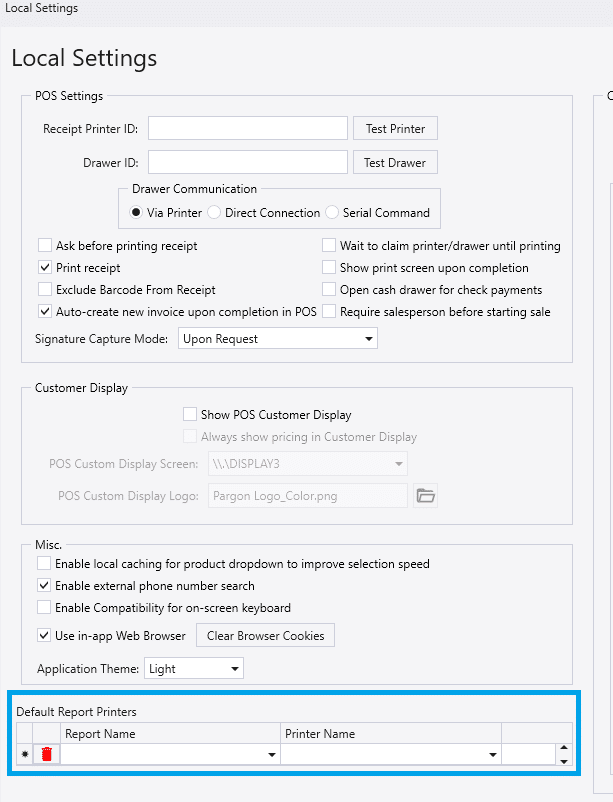
In Local Settings under the Default Report Printers section, each printer instance will be displayed in the Printer Name drop-down. Then reports can be set to print from the desired printer/print tray.