Paradigm Mobile: Vendor List
This FAQ will go over the Vendor List feature in Paradigm Mobile. More information on the app can be found here: Paradigm Mobile: Overview
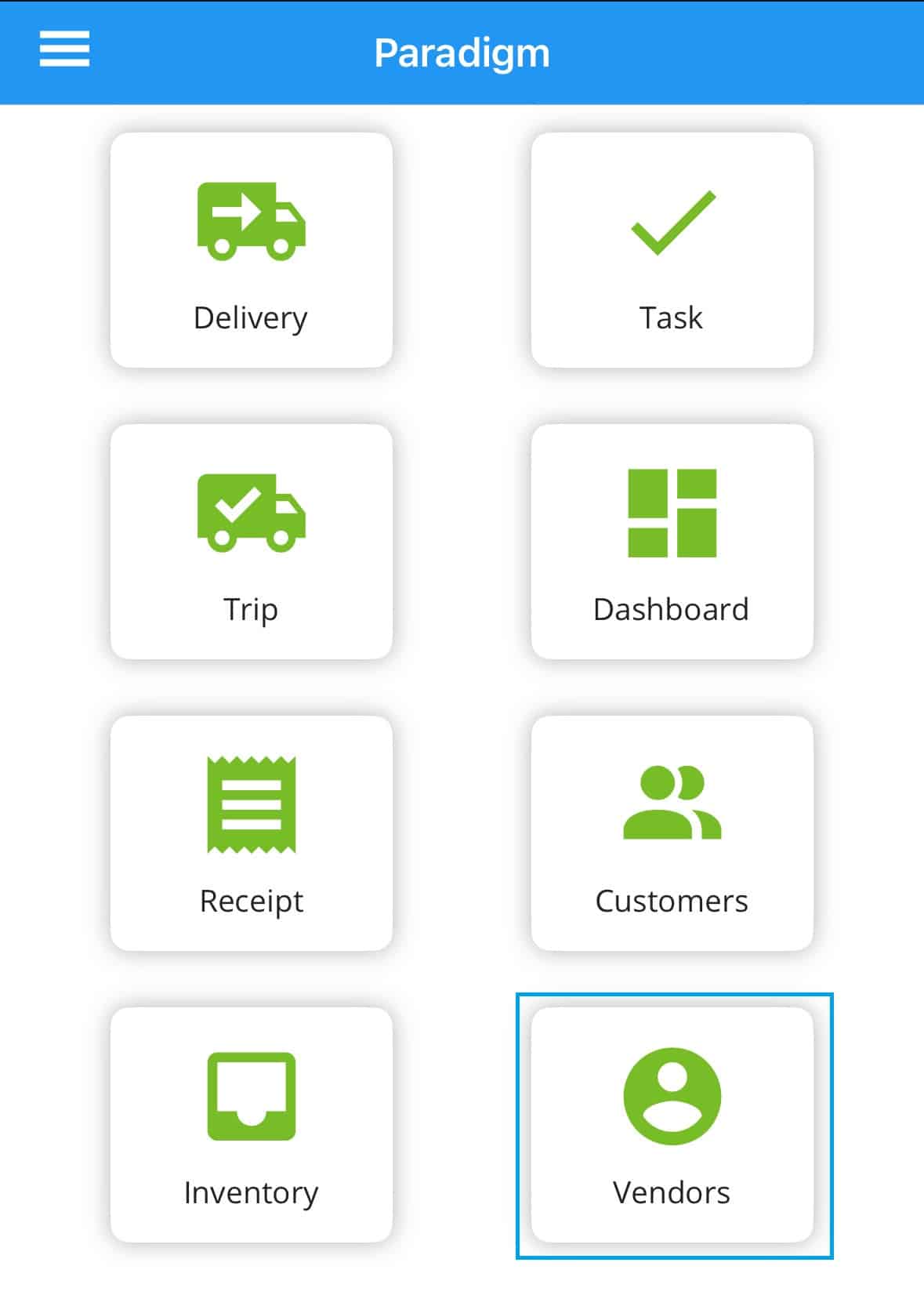
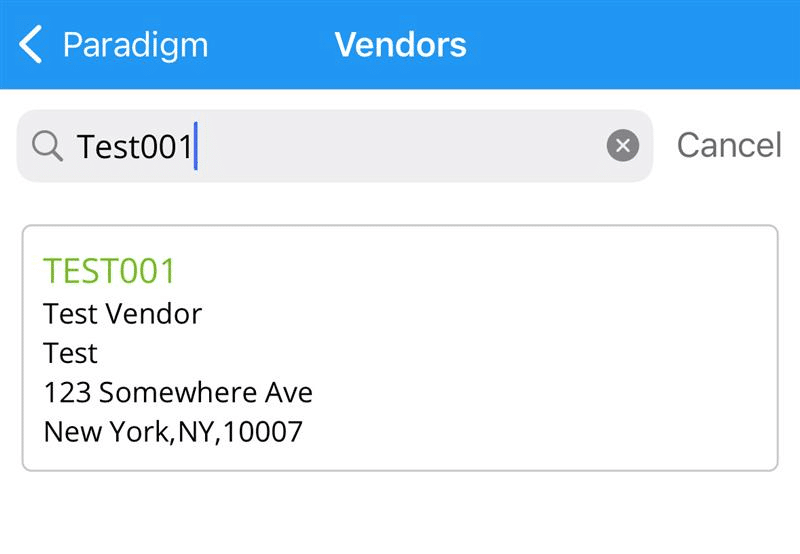
This will show the list of vendors. Use the search bar to look for a specific vendors.
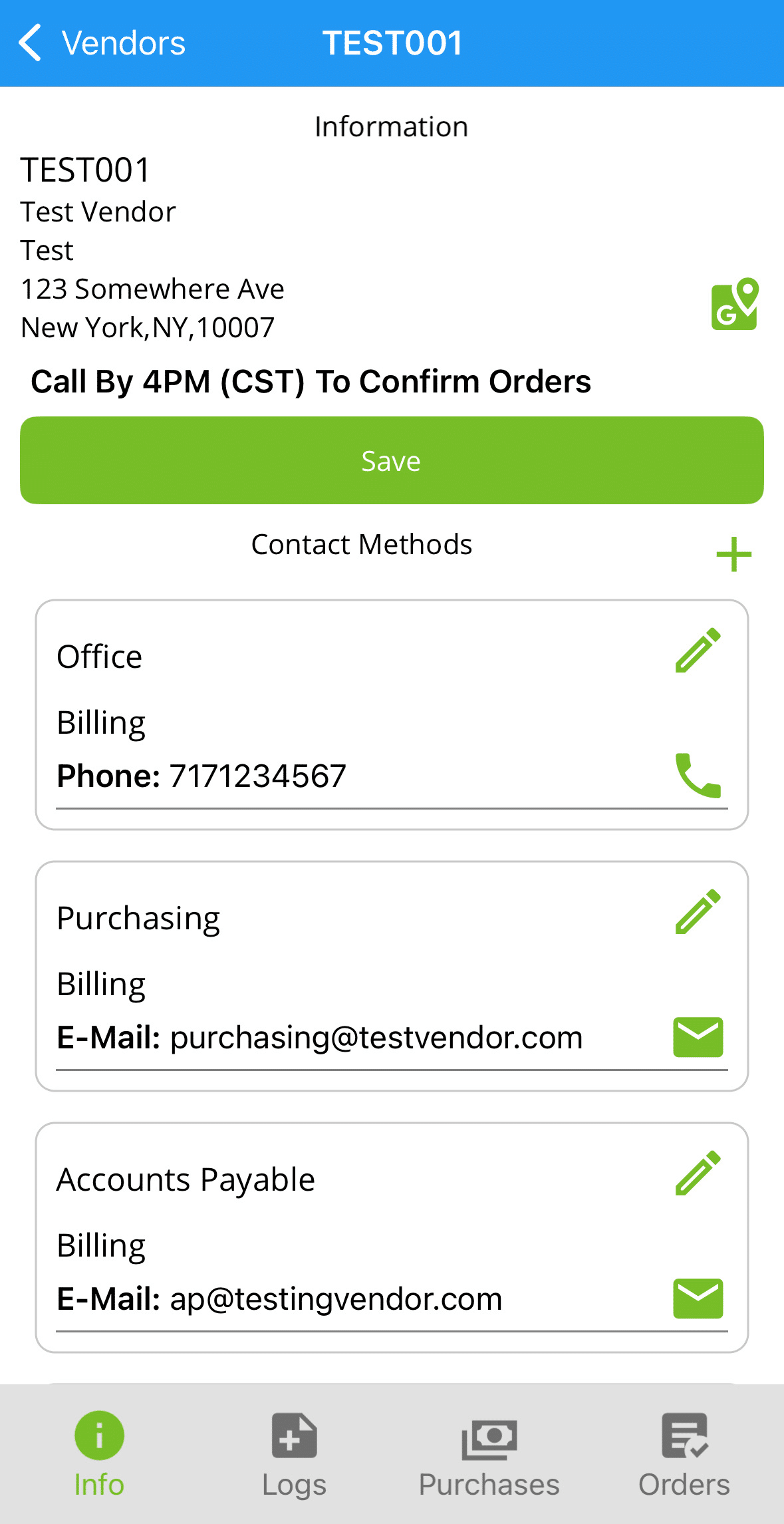
Info
Tap on a vendor to view details and contact methods.
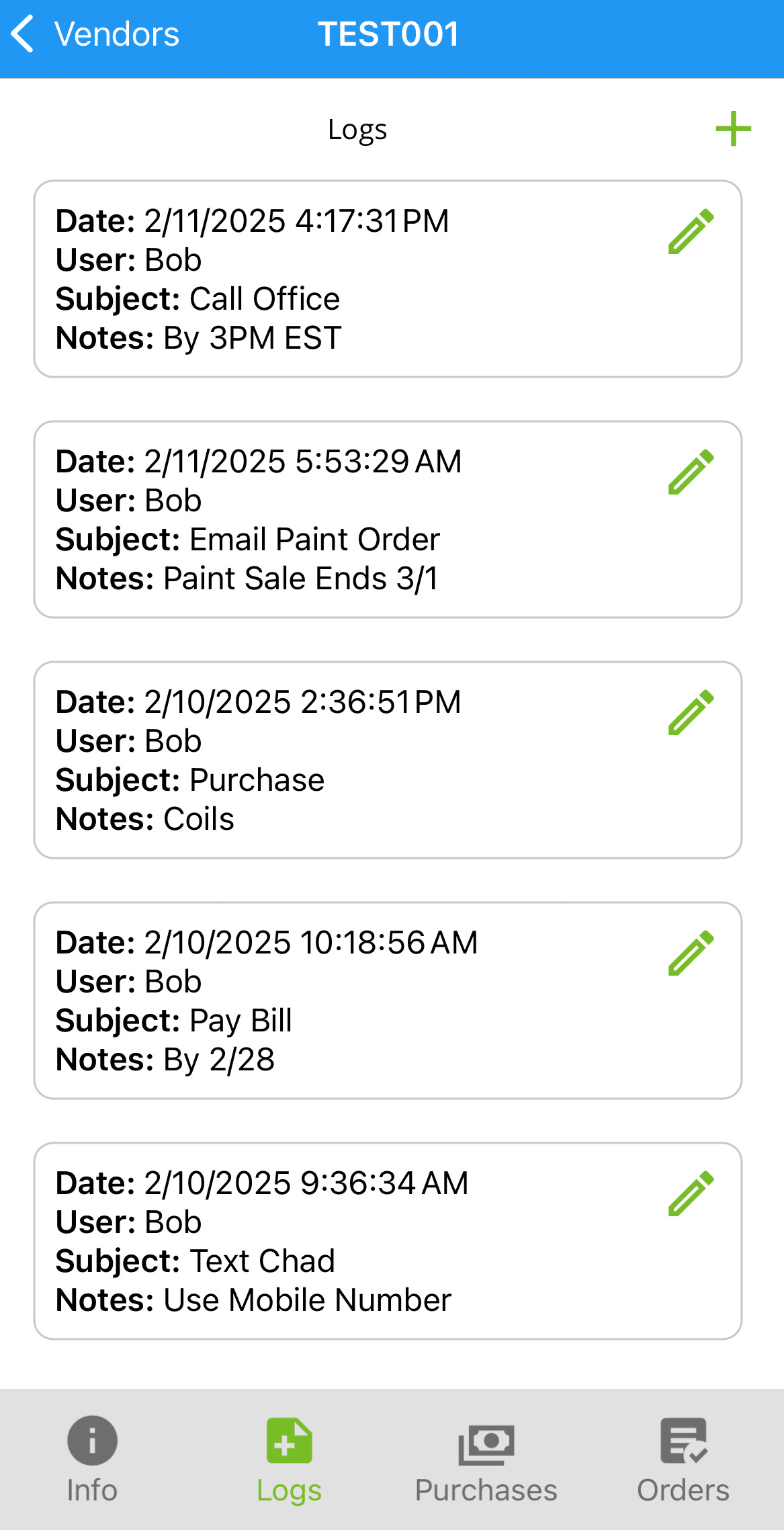
Logs
Displays the logs created for the vendor.
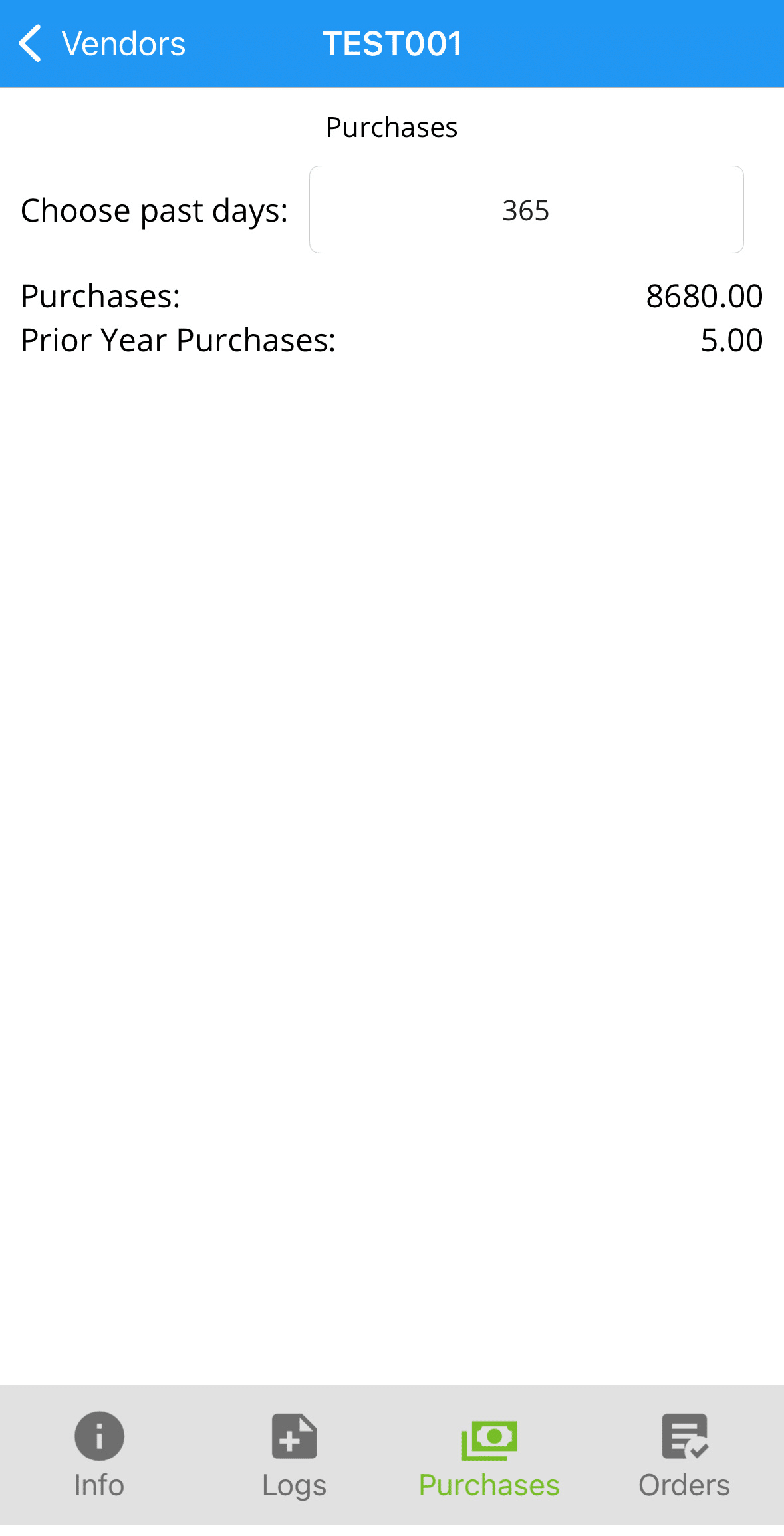
Purchases
Displays the total purchases from a vendor, based on the past days selected.
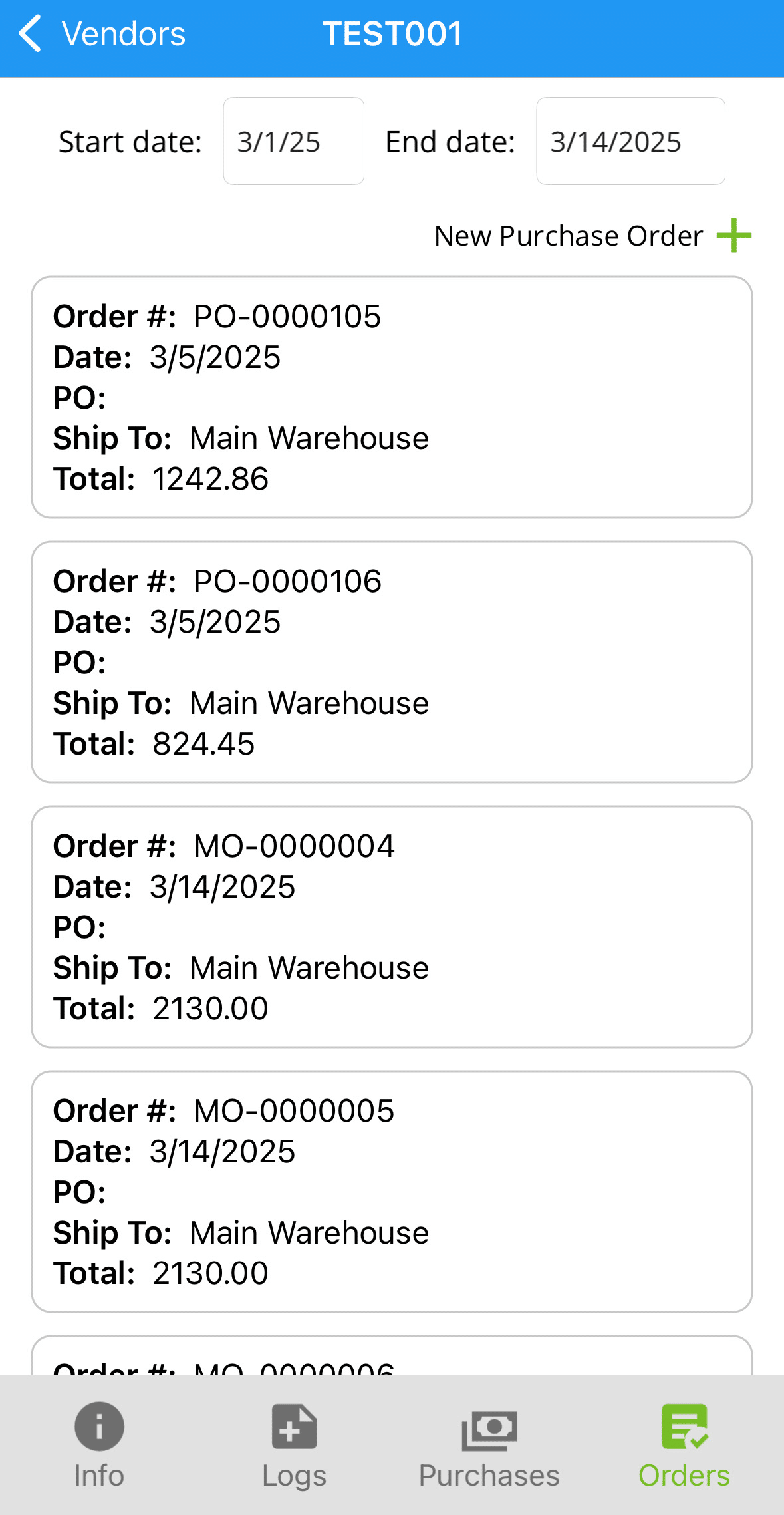
Orders
Displays the purchase orders between the chosen dates. Tapping on an order will display the details.
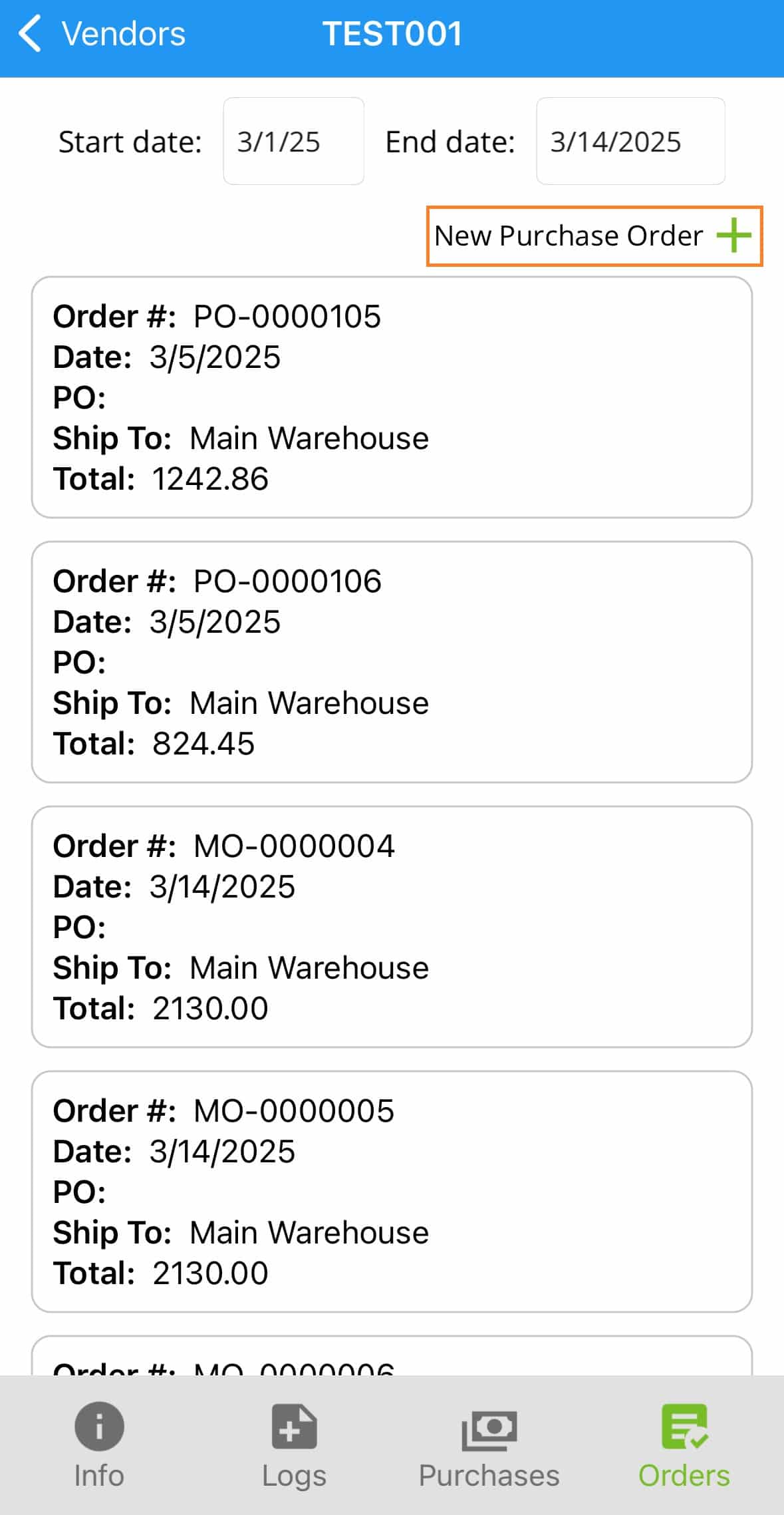
Create Orders
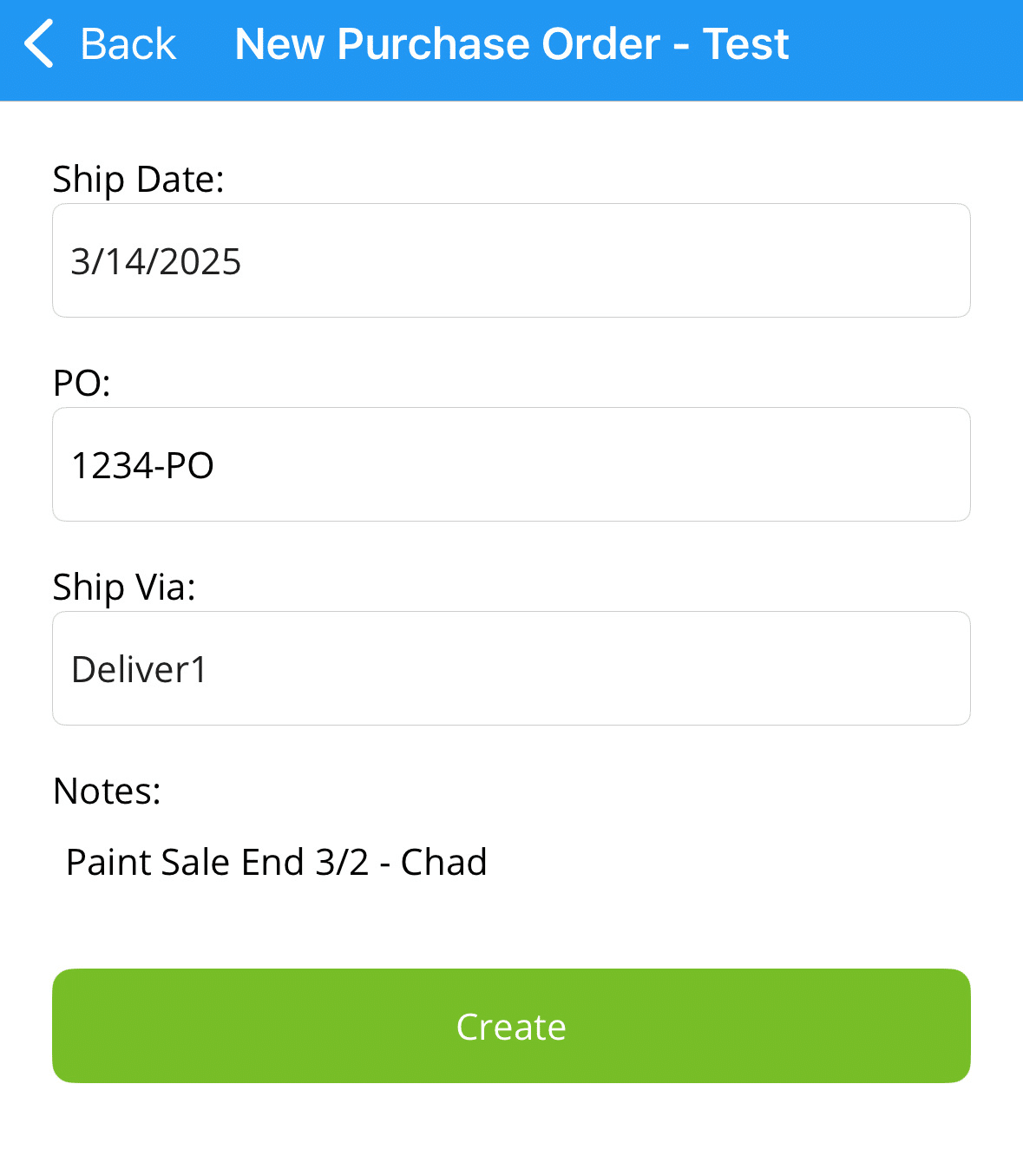
Tap “New Purchase Order” to create a new order.
Enter in the ship date, PO, ship via, and notes.
Select the “Green Plus” button beside “Details:” to add items.
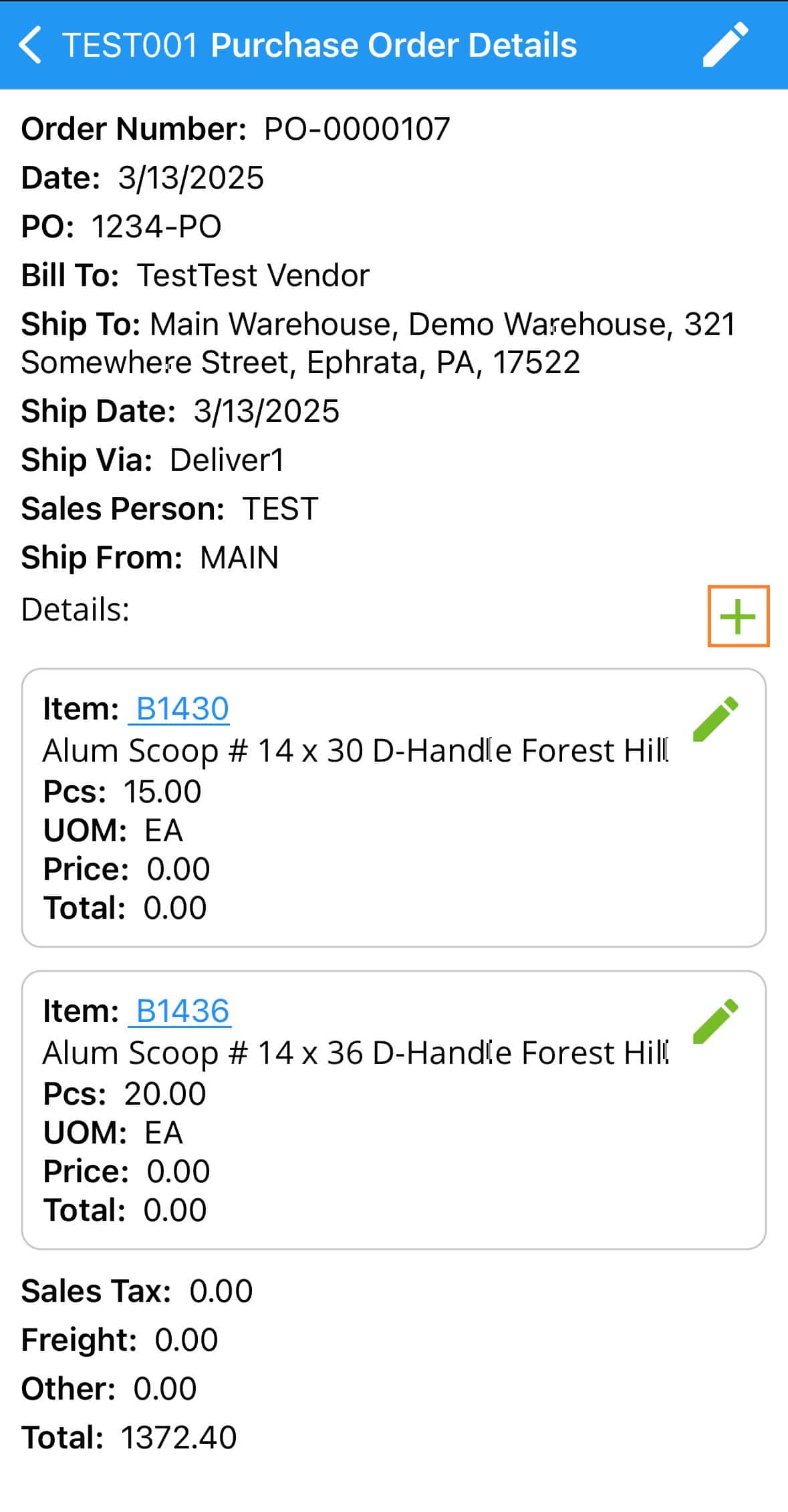
Adding Items
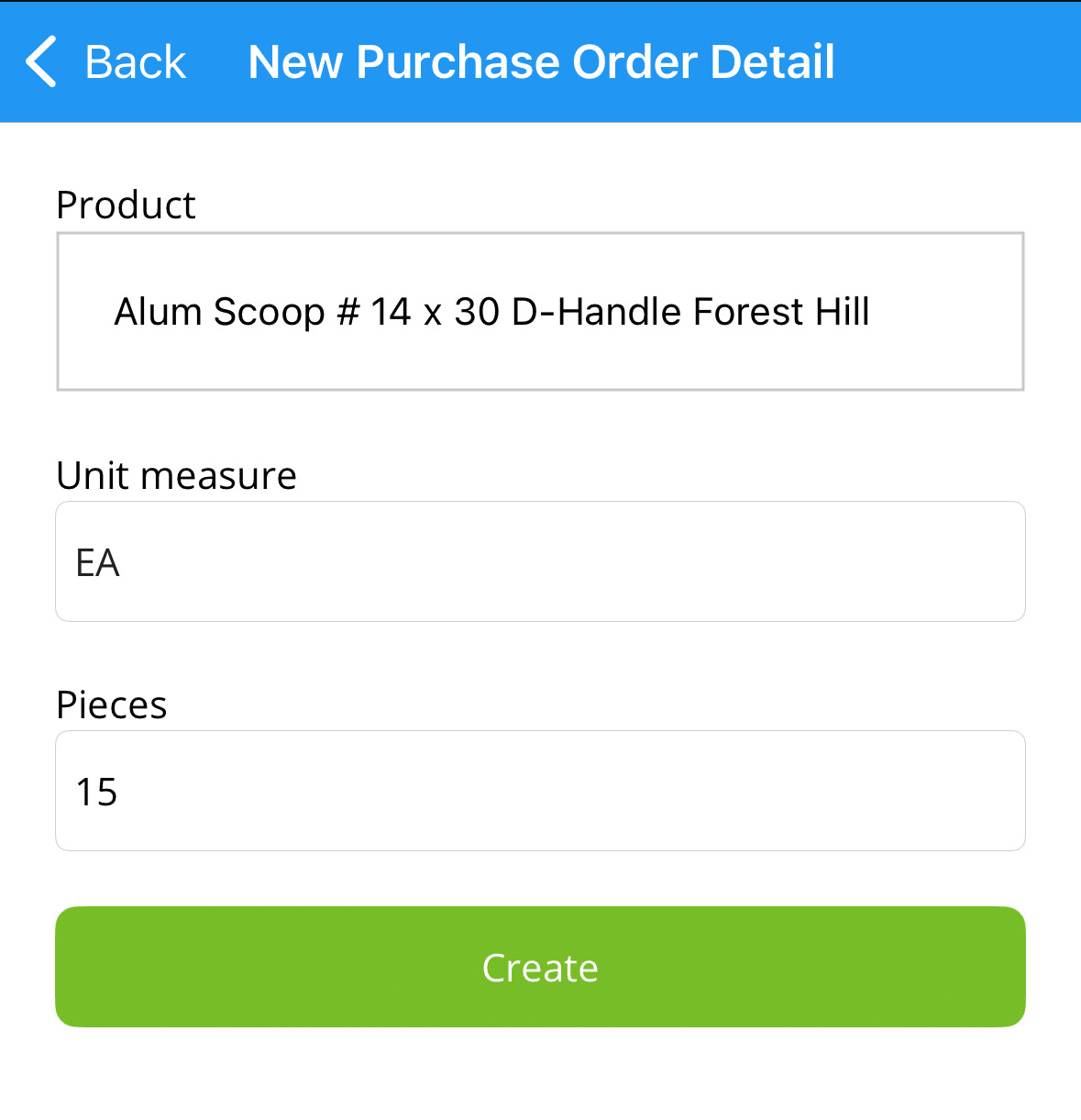
When adding items, first search for the item and then select the unit measure, pieces, and if required, the length.