Bulk Product Add
This FAQ will go over how to use the bulk product add feature in Paradigm. To add new items into Paradigm, follow this FAQ: Inventory Import & Export
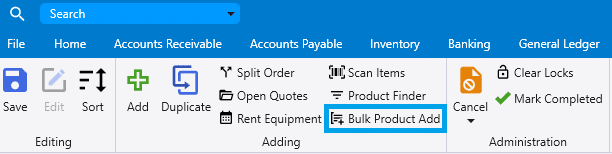
To start, click on the bulk product add button in the header.
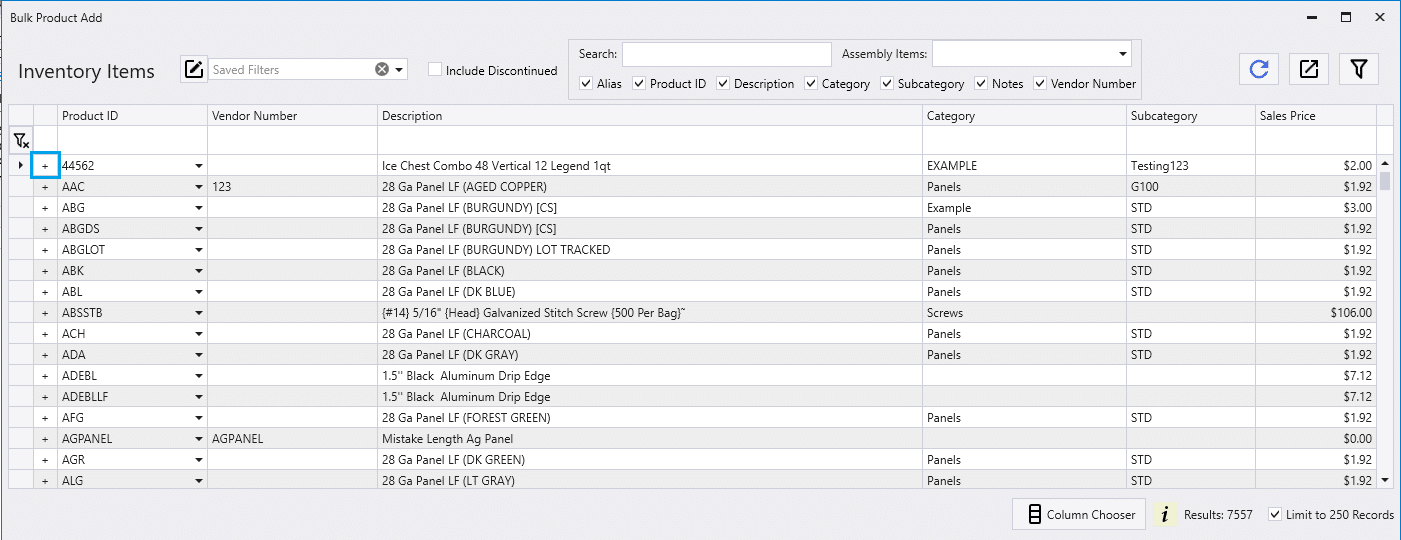
Search for items and click the plus button beside the ones that are to be added.
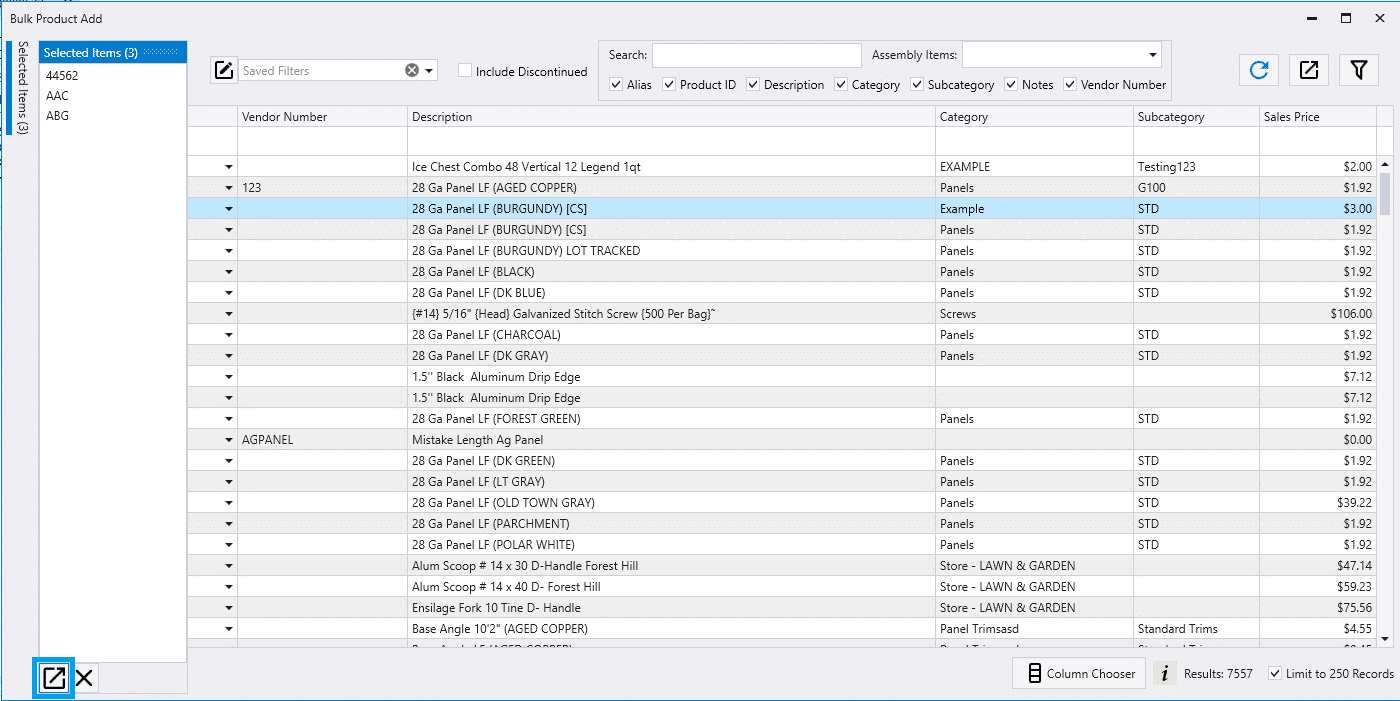
Adding Selected Items
To add the items that are selected, hover over the side bar and then click the “Insert All” button.
Adding the Filtered List
To add the items that the list is filtered to, click the “Insert All” button on the list.

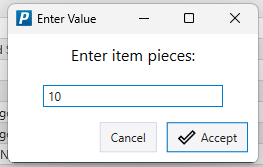
Enter Items Pieces
After the “Insert All” button is clicked, a pop up will appear asking for how many pieces are to be added. This quantity will be applied to all items that are getting added.