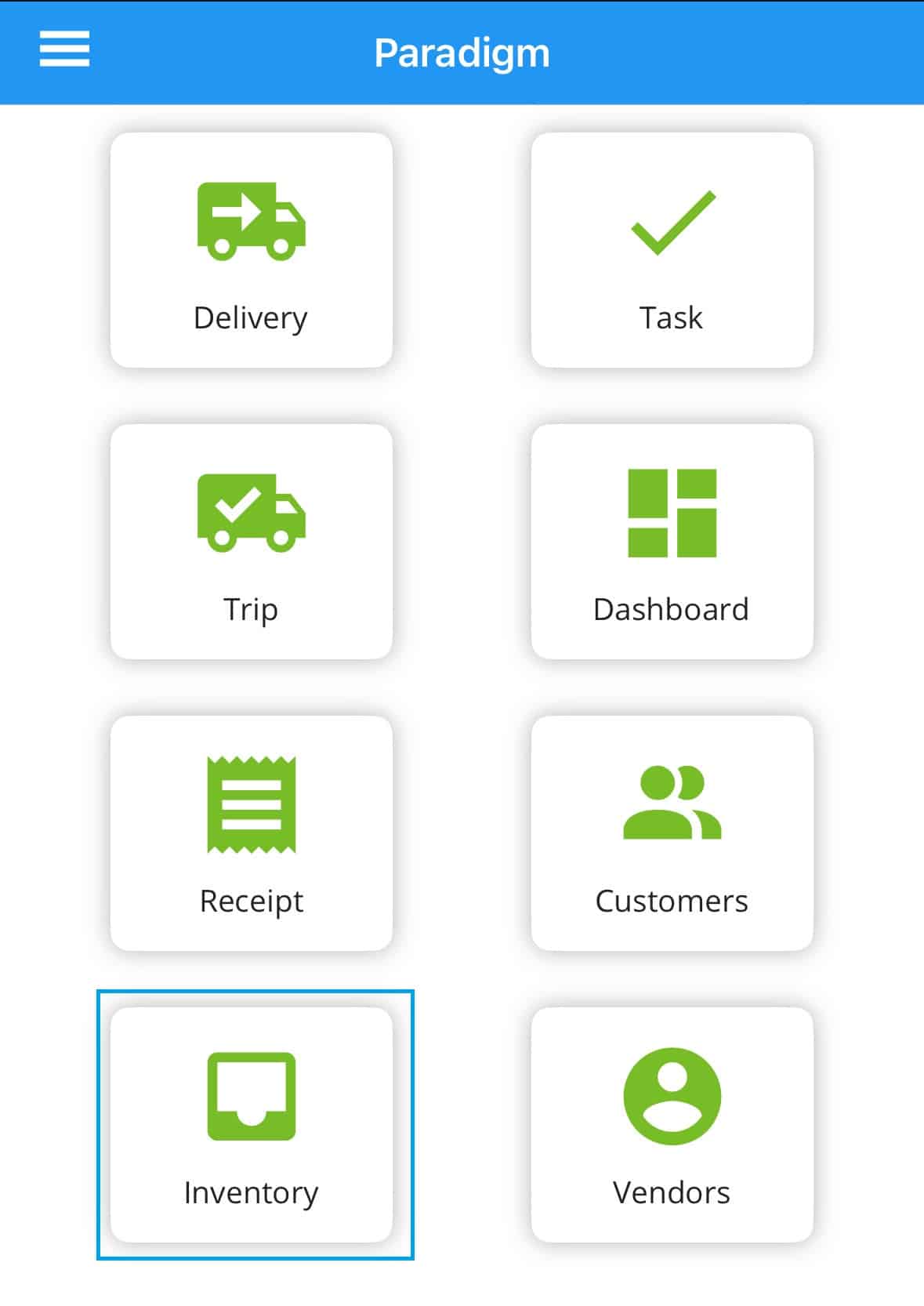
Paradigm Mobile: Inventory
This FAQ will go over the inventory list in Paradigm Mobile. More information on the app can be found here: Paradigm Mobile: Overview.
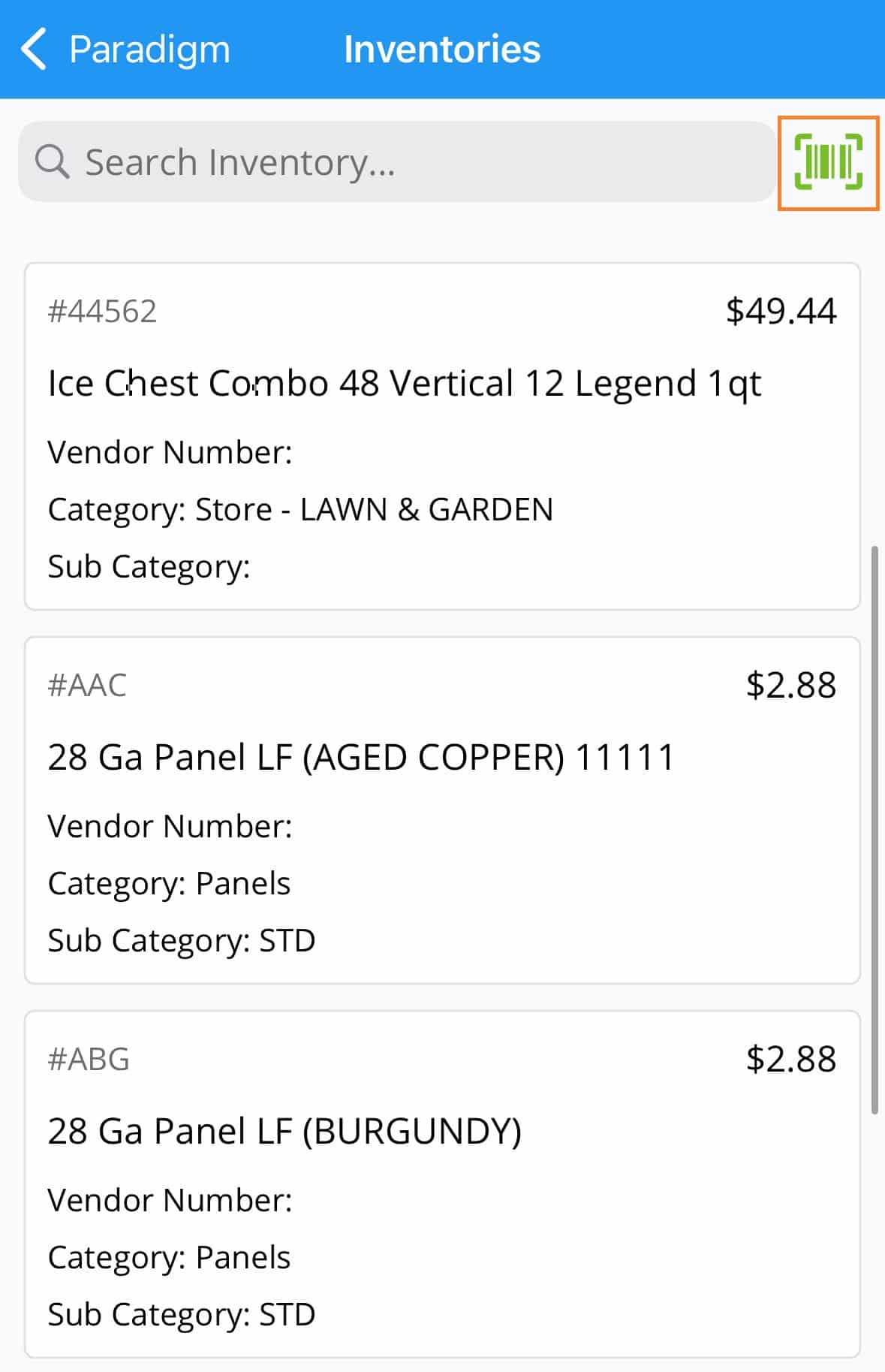
From here, the list of inventory items can be found. The button on the top right can be used to scan a barcode to search for a product.
Inventory Detail
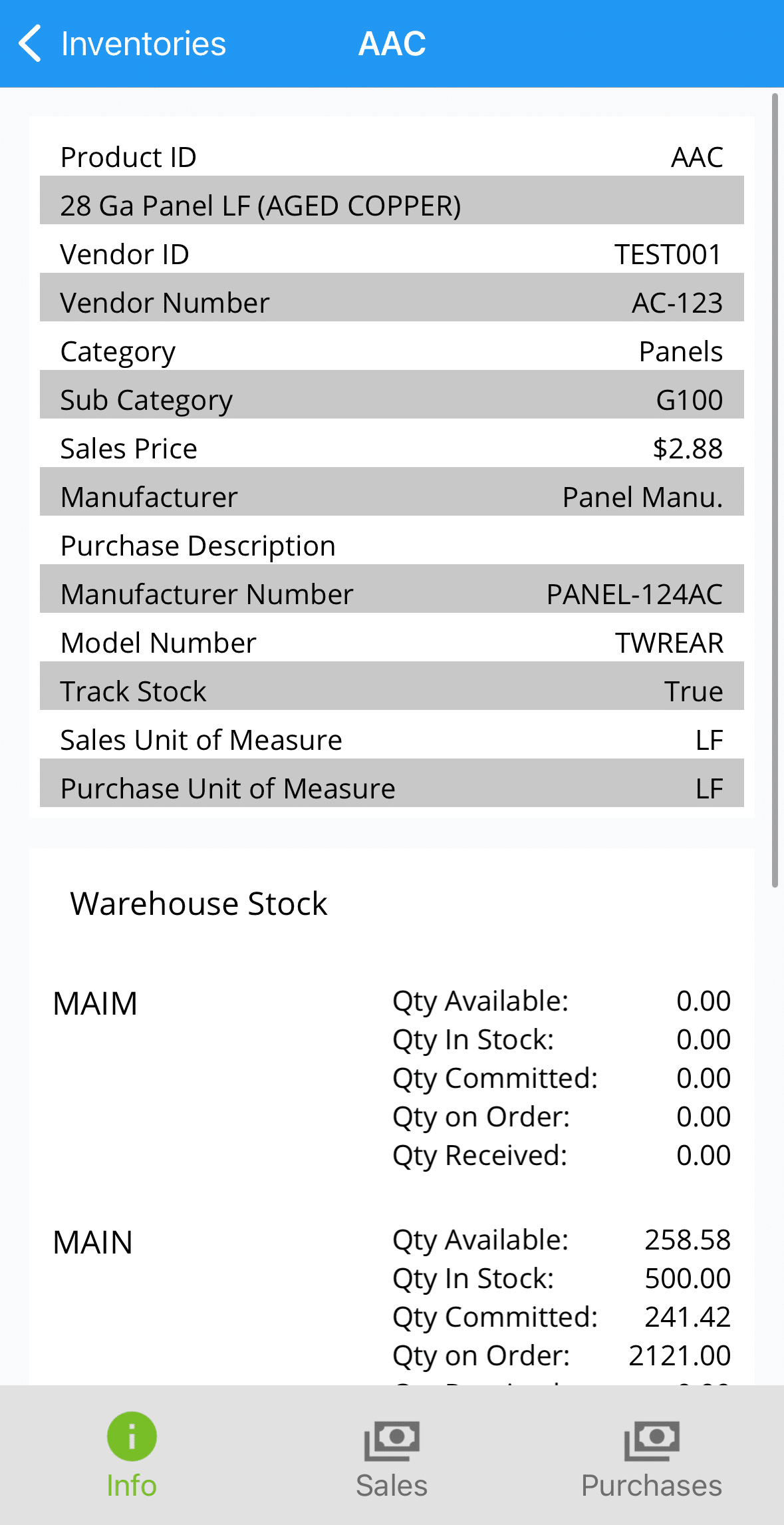
Selecting an item will bring up detailed information for that product.
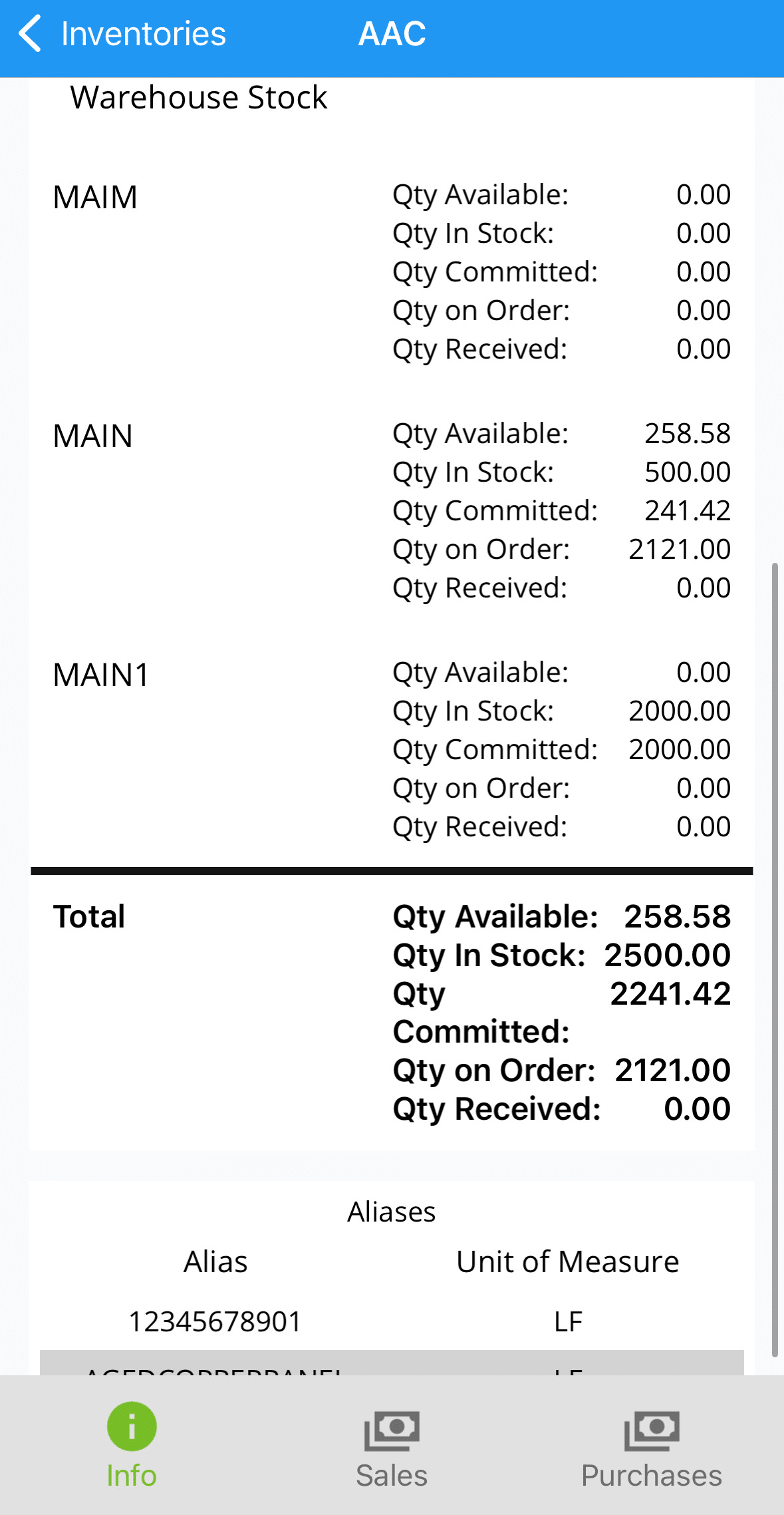
Warehouse Stock And Aliases
Below the inventory detail, warehouse stock information and aliases will be shown.
Sales
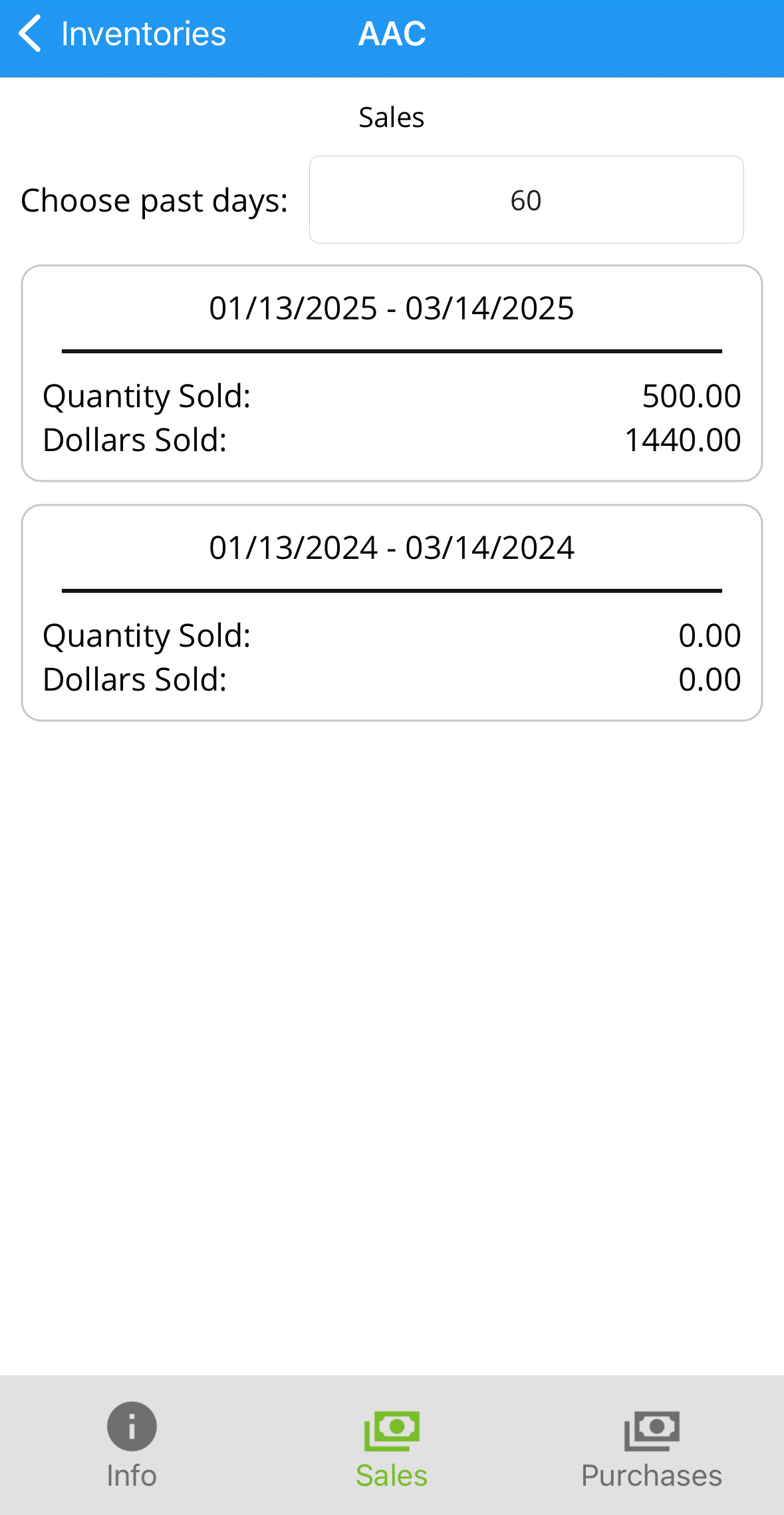
Selecting the “Sales” tab will allow the user to select a certain number of past days to view sales for.
Purchases
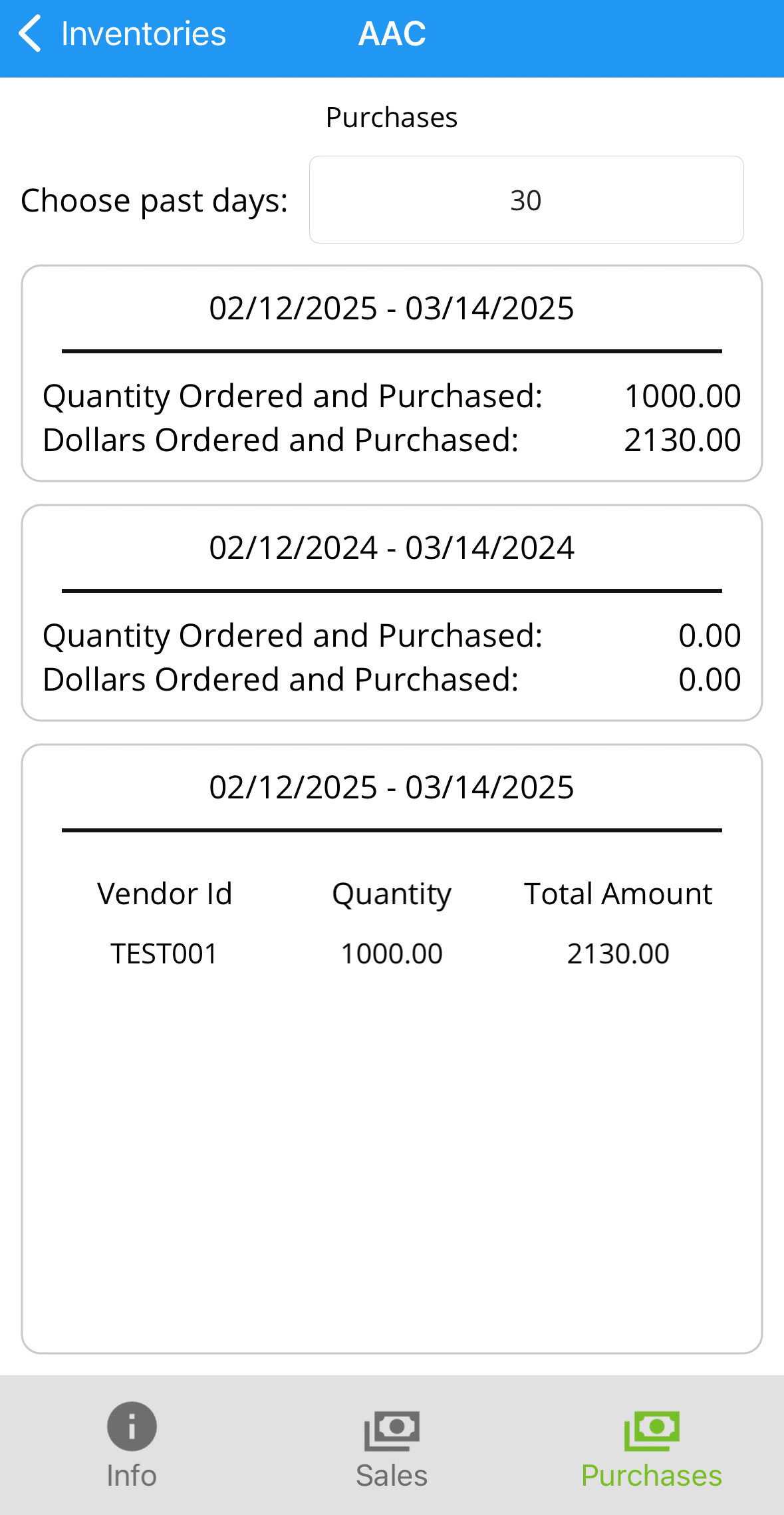
Selecting the “Purchases” tab will allow the user to select a certain number of past days to view purchases for.