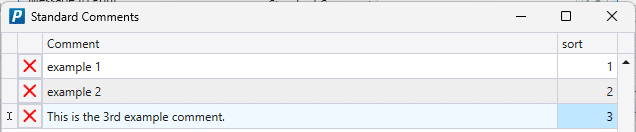
Message to Print Presets
This FAQ will go over the message to print presets.
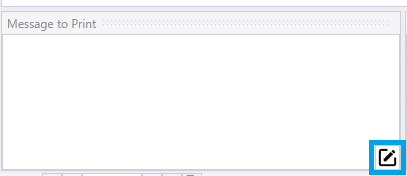
To use these, go to a transaction that has a message to print field and double click on it or click the pencil icon.
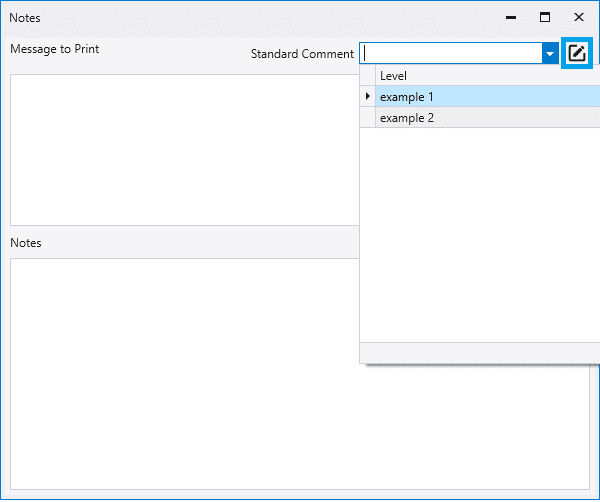
Then choose a preset from the drop down or click the pencil icon to create a new one.
Enter the new comment and then close the form to save it.