Themes
This FAQ will go over the available themes in Paradigm and how to switch between them.
Switching Themes
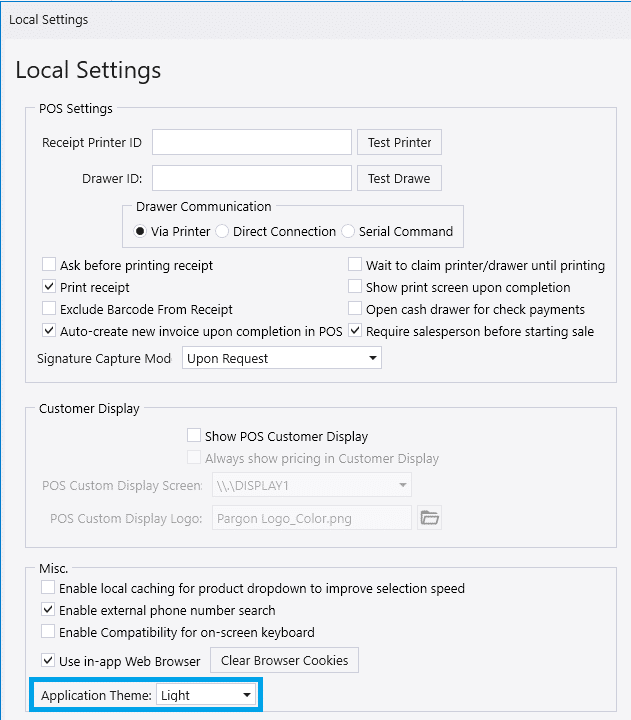
To switch between themes, go to System > Local Settings > Misc. > Application Theme > Choose a theme from the drop down. This is a local setting so shared users can choose their preferred theme at their workstation.
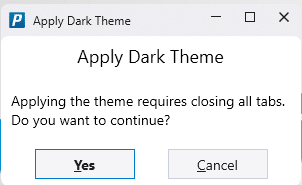
To apply a theme, all tabs must be closed. A pop up will be shown to have the user confirm this:
Applying the theme requires closing all tabs. Do you want to continue?
Available Themes
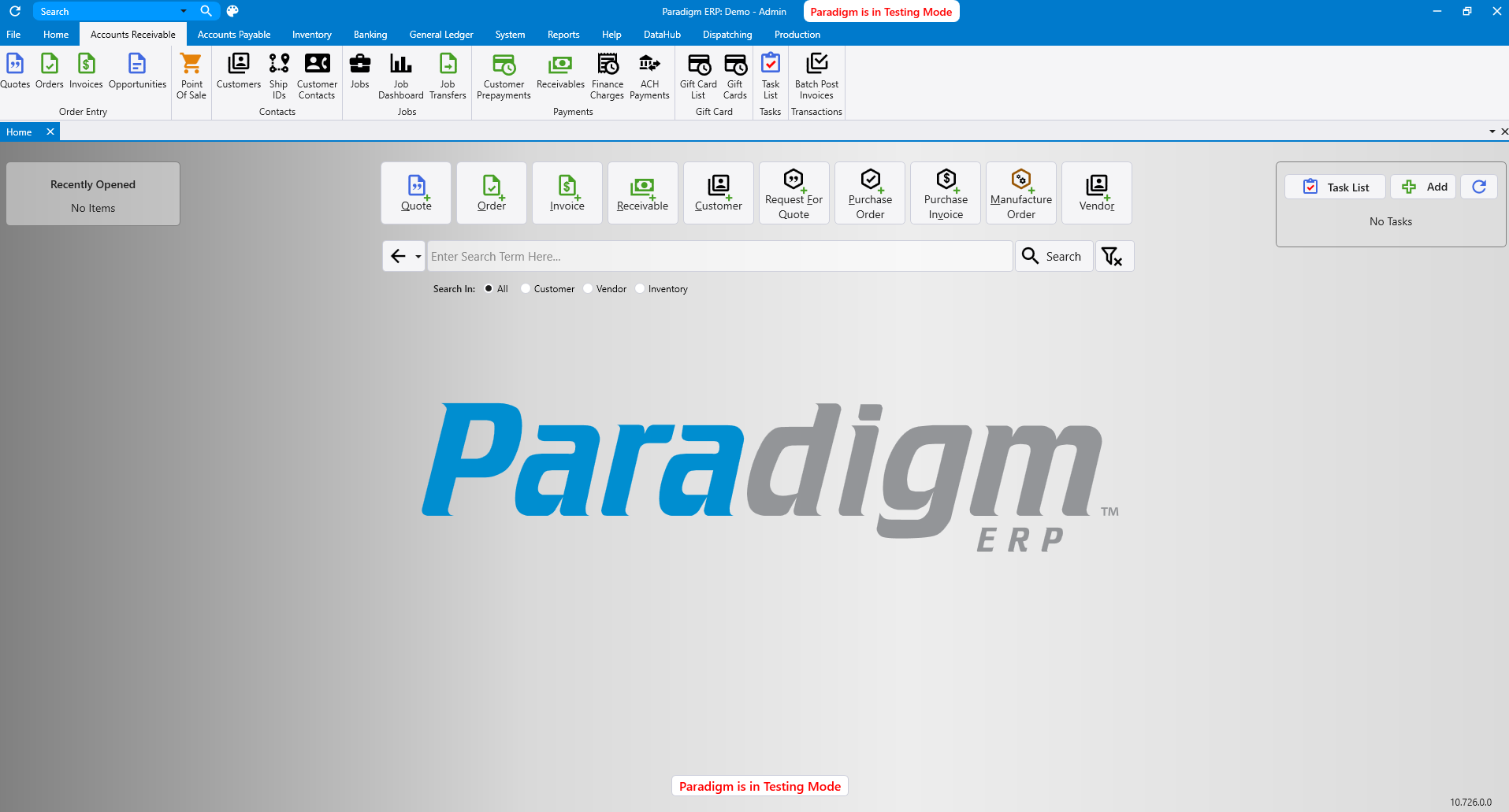
Light
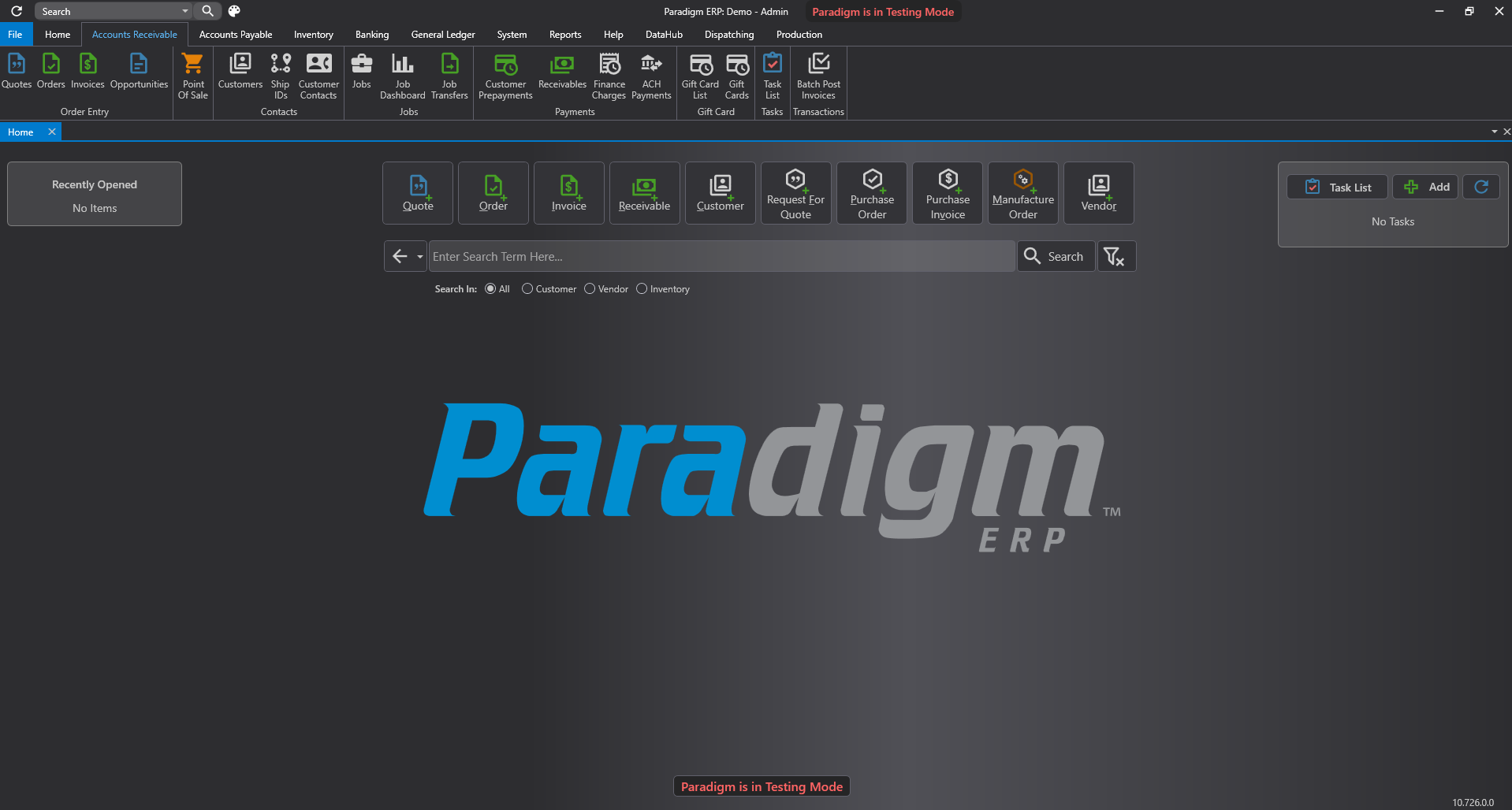
Dark