
Web Browser Failed To Load
This FAQ will go over the two potential fixes for the following error: Web browser failed to load. Contact Paragon Support. You may need a new version of C++ (VC_redist.x64.exe)
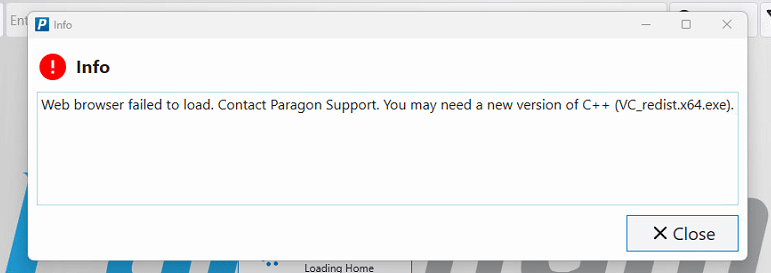
Installing VC_redist.x64.exe
The first fix is to go to following link, then download and install the file: https://aka.ms/vc14/vc_redist.x64.exe
Resetting The Paradigm Directory
If the issue is not resolved after the first fix, try resetting the Paradigm Directory. This FAQ will go over how to do that: Reset The Directory For Paradigm