Fulfillment Pro: Enabling Tablet Camera
This FAQ will go over how to enable the Chrome camera on a tablet. This is needed so that photos can be taken in Fulfillment Pro. The photos that are taken are stored as an attachment on the order in Paradigm.
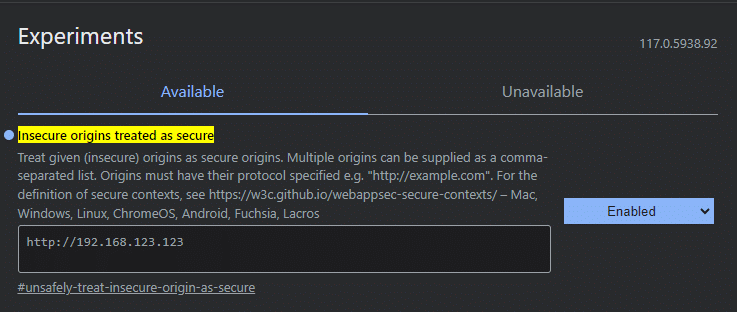
- Start by going to “chrome://flags” and searching for “Insecure origins treated as secure”.
- Enter the “http://WebServerIP” URL only, not the Fulfillment Pro suffix.
- For example, if the URL for Fulfillment was “http://192.168.123.123/Fulfillment/OrderFulfillment.aspx”, then enter “http://192.168.123.123”
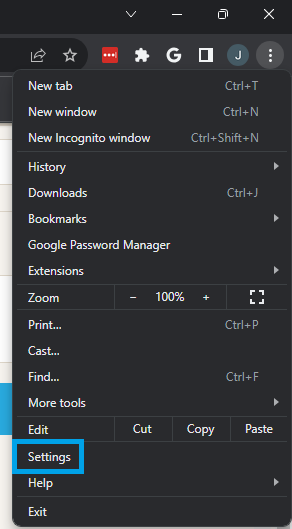
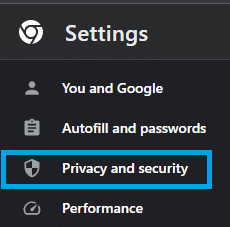
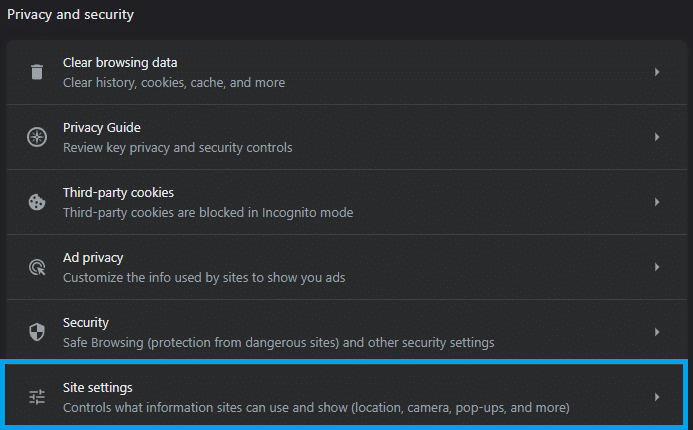
Next, make sure that Chrome has permissions to access the Camera by going to Settings > Privacy & Security > Site Settings.