
Remove A Build From Production
This FAQ will go over how to remove a build from production.
Build Details
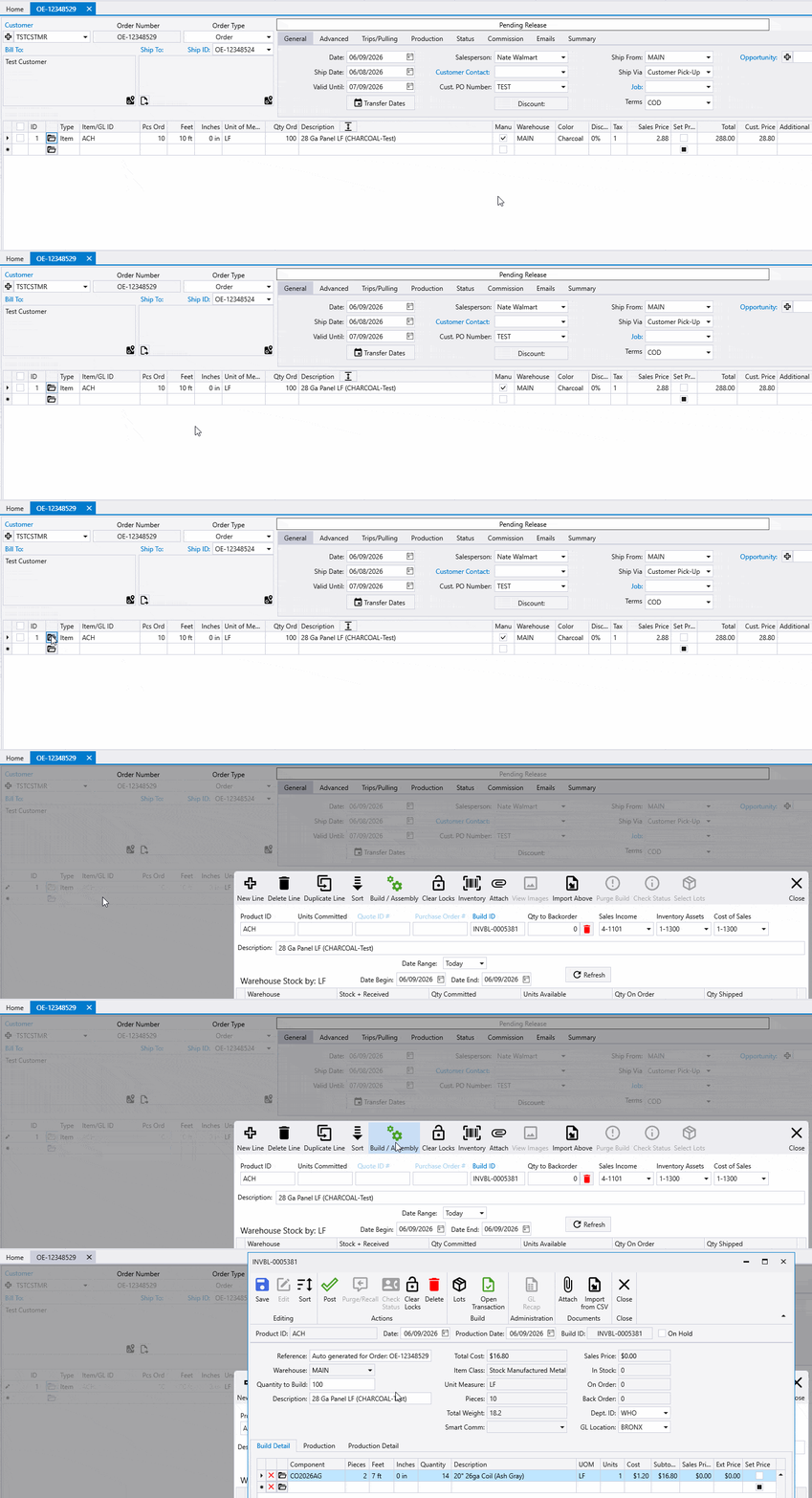
Click the Folder icon at the beginning of the line on the order to open the details about the line. Within this window, the Build / Assembly button will only be enabled if a build has been generated in Paradigm for the line, for example, by releasing the order to manufacturing. Click the Build / Assembly button to show the build details for the line.
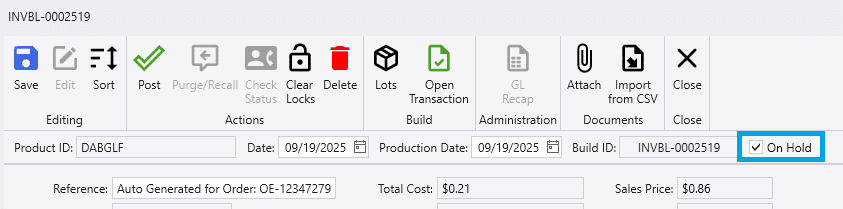
On Hold
Set the build as “On Hold” from the build screen by checking the On Hold checkbox.
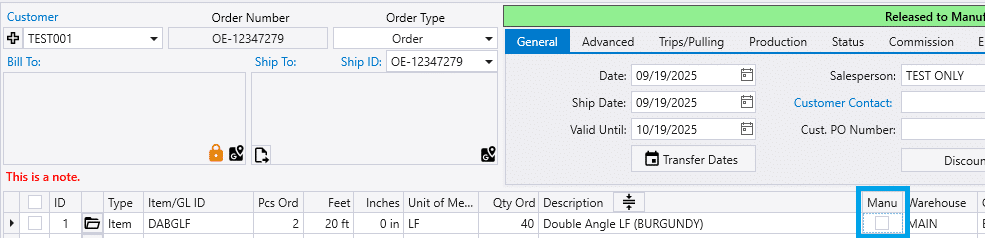
Un-Check “Manu” Checkbox
Uncheck the checkbox in the Manu column. This will unmark the item to be manufactured.
Un-Release Order
To remove all lines from production, un-release the order. See instructions on there: Un-Release Orders