Writing Off Prepayments
This FAQ will cover how to write off prepayments in Paradigm.
If an order total is changed after the prepayment is received, there can be a balance owed to a prepayment without any open invoices to that customer. To write these prepayments off, a process similar to writing off bad debt will be used.
- Learn more about paying prepayment balances back to the customer here: Return a Customer Credit Balance
Create A Journal Entry
- Create a journal entry for the total write-off amount.
- Write it off against the desired GL account.

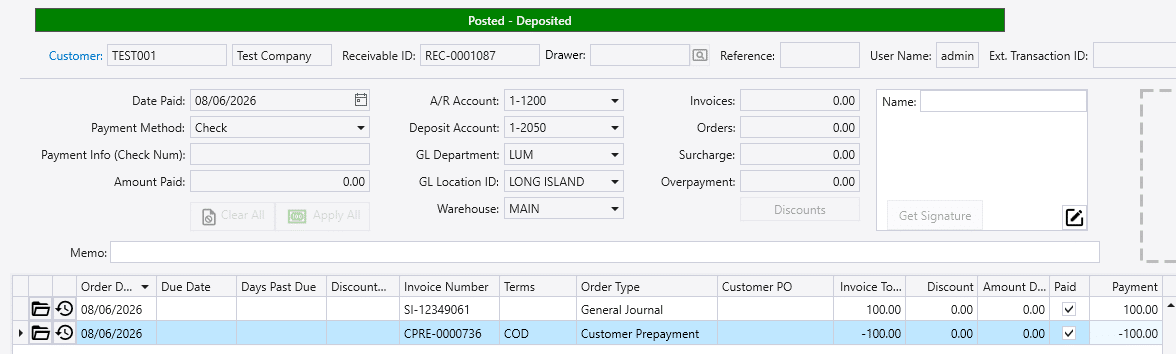
- Create a receivable applying the prepayment to the journal entry.