Merging G/L Accounts
This FAQ will go over how to merge G/L accounts
To merge G/L accounts, go to System > Data Utilities > Misc > Rename and Delete.
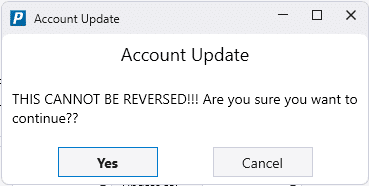
!! Be aware that once something is merged, there is no way to revert it. !!
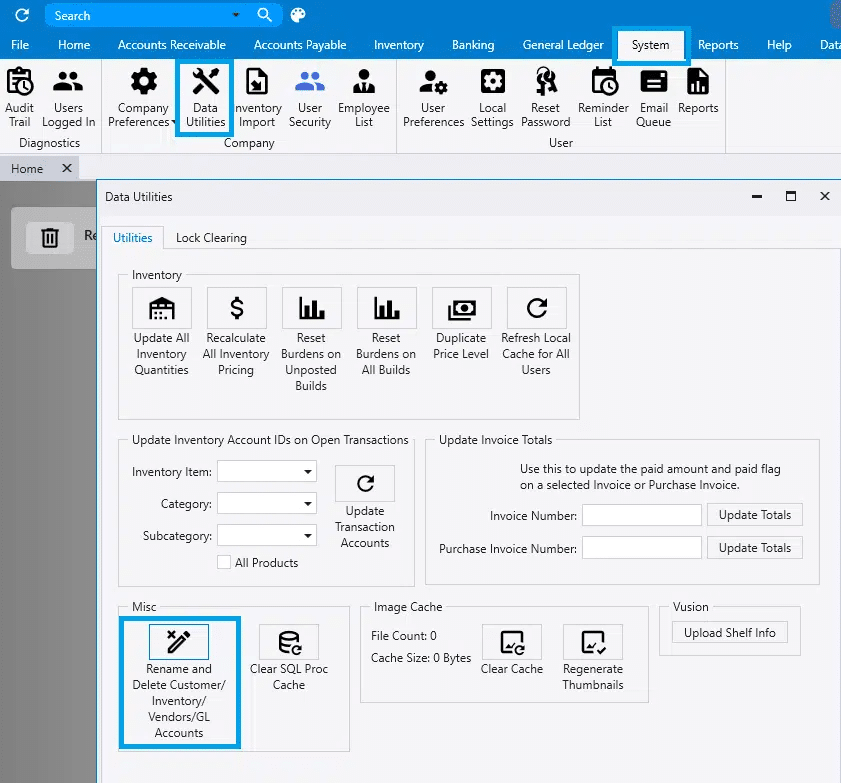
Merging G/L Accounts
- Select the account to remove and the account to merge into.
- A similar process is available for Vendors/Customers and Product IDs.
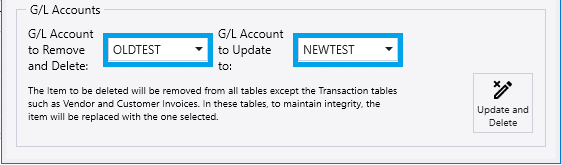
Once the correct accounts are selected click “Update and Delete”
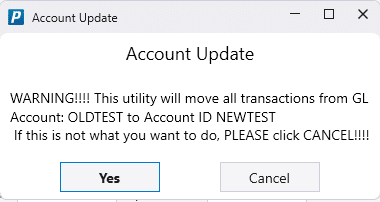
Two warnings will pop-up. Select “Yes” both times to complete the merge.
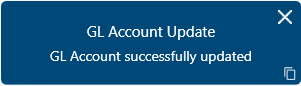
When the merge is complete this message will be displayed:
Merge Errors
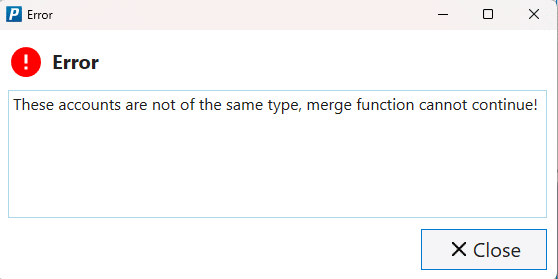
When merging G/L accounts, they must be the same type. If they aren’t, the merge will not work and this error will appear: These accounts are not of the same type, merge function cannot continue!