GL Recap
This FAQ will go over the GL Recap button in the Paradigm.
The GL recap button can be found in the header of any posted transaction. This button is also sometimes referred to as “Recap Inventory”.

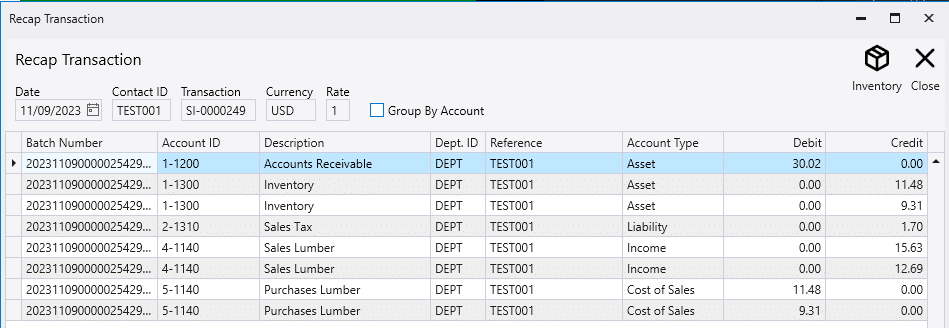
This will show the amount that was credited or debited to each account.
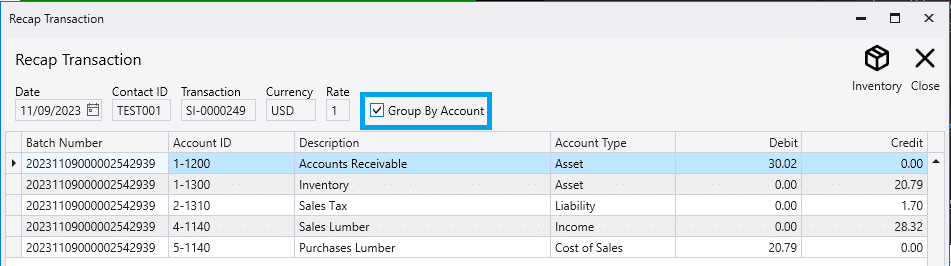
“Group By Account” makes it show only one entry per account instead of every entry.
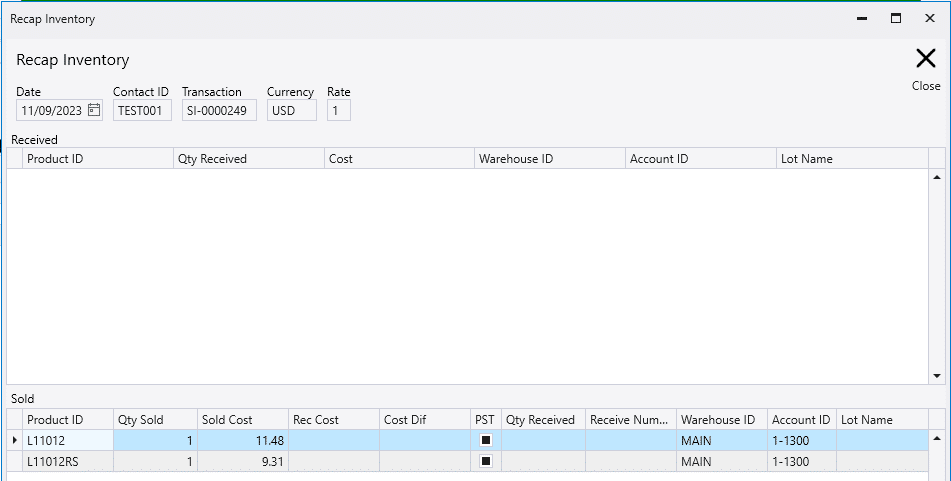
Clicking the “Inventory” button will show the products that were received and sold.