
Recording Payroll
This FAQ will cover how payroll can be recorded in Paradigm using Journal Entries.
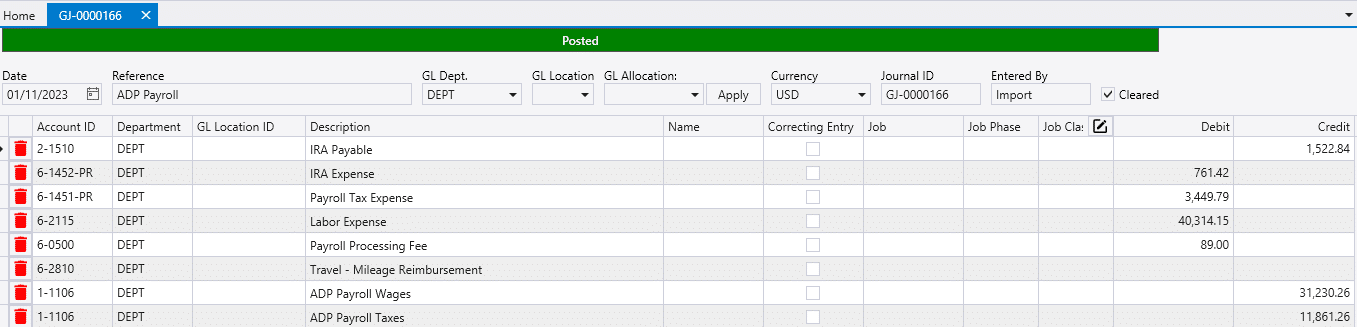
Importing Payroll
Payroll can be imported from QuickBooks, QuickBooks Online, and other payroll services that can provide a compatible .csv file.
- Importing From QuickBooks or QuickBooks Online: Using Paradigm Payroll Import
- Journal Entry Import Format via a .csv file: Journal Entry Import Format
Manual Payroll Entry
- Create a new Journal Entry by going to General Ledger > Journal Entries, and selecting the plus icon.
- Select the accounts that need to be adjusted and fill in the Debit or Credit Amounts.
- Double-clicking a debit/credit field will auto-fill the remaining amount.
- Ensure that all the information is correct and then post.
For more information on Journal Entries see here.