
Budgets
This FAQ will go over the budgeting feature in Paradigm. This feature can be helpful when managing finances for specific accounts.
Go to General Ledger > Budgets
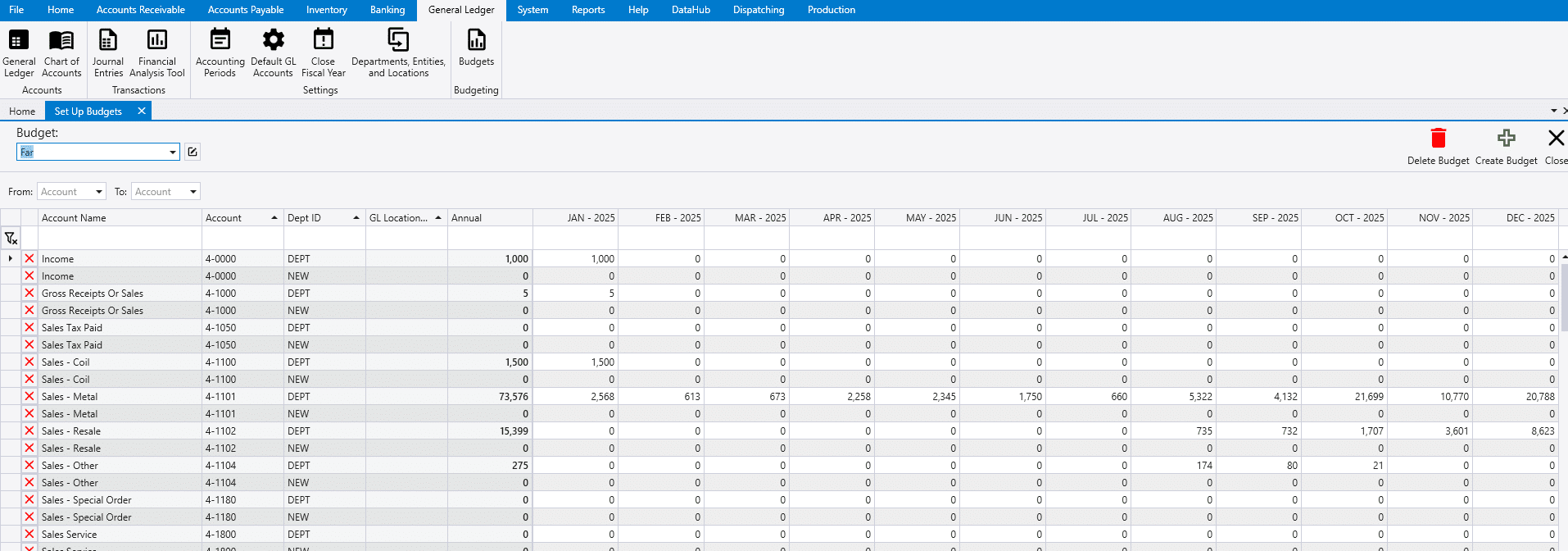
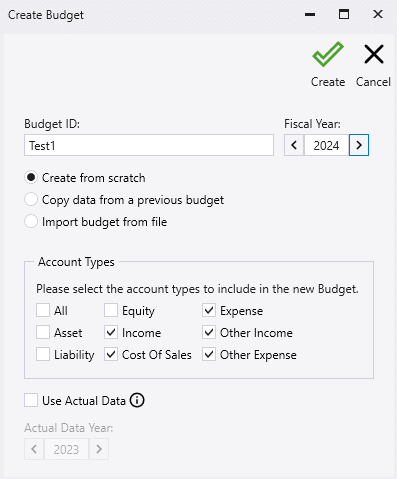
To create a new budget, click “Create Budget” and choose from the options in the following popup.
- Create a profile from scratch – This will create a blank budget profile
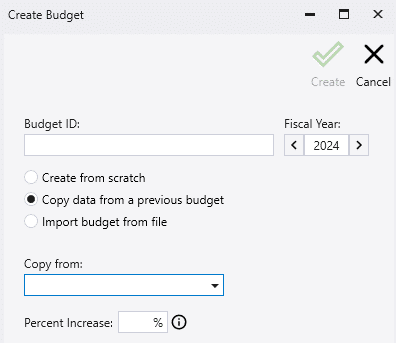
- Copy data from a previous budget- This will prompt the user to copy from an existing budget profile, optionally modified by a certain percentage.
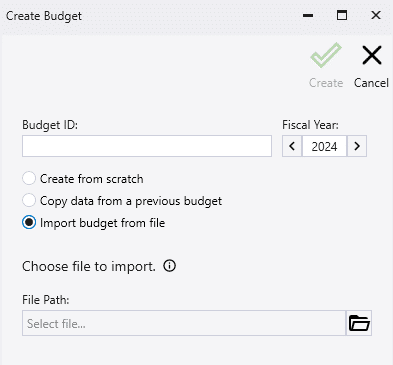
- Import budget from file– This will prompt users to select an Excel file to import.
Exporting
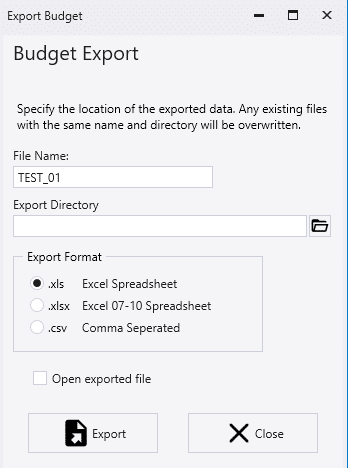
Fill out desired file export location. Choose the export format.
Importing
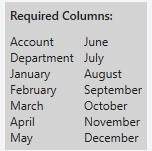
When selecting import, users will be warned that the imported data will replace the current data on the budget profile.
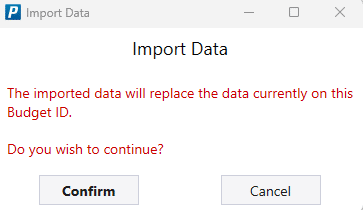
After selecting confirm, users will be able to select which file to import.
Budgeting Report
Contact Paradigm Support to build budget reports to compare budgeted vs actual.