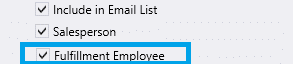
Creating Employees
This FAQ will go over how to create employees in Paradigm.
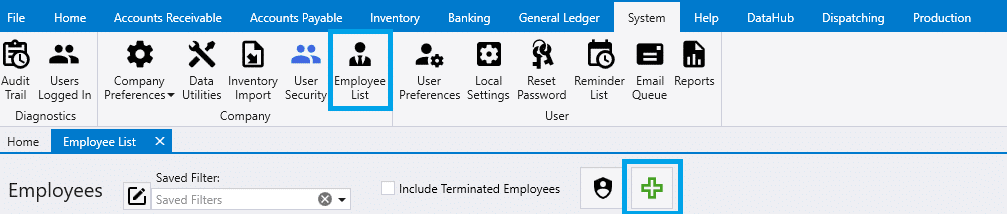
This can be done in System > Employee List > Add new Employee.
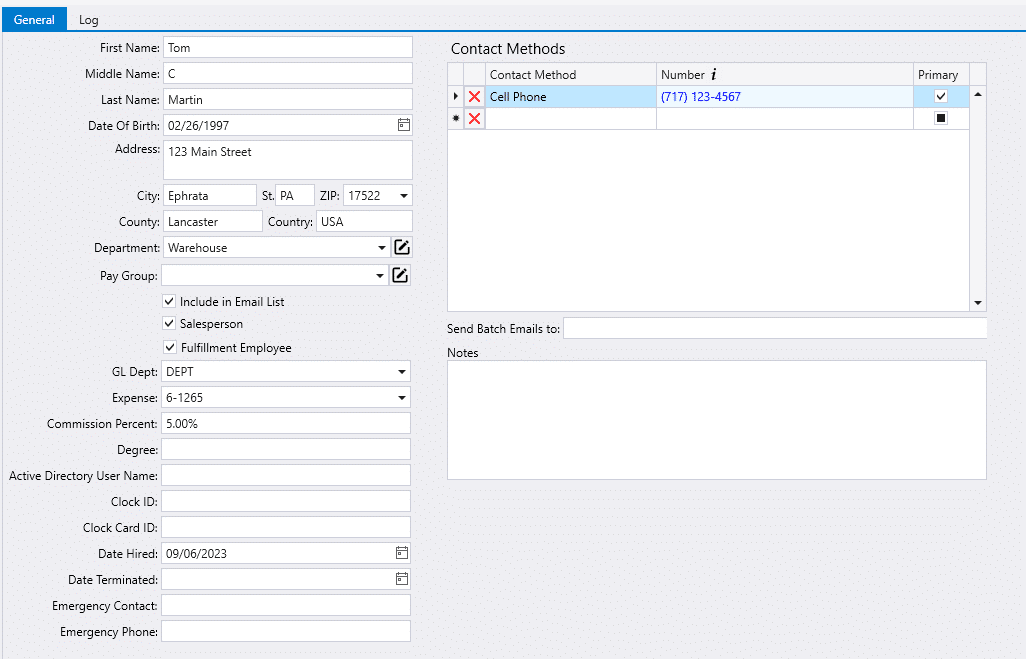
Fill out the fields. Paradigm will auto-create an Employee ID after the name fields are filled out.
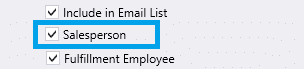
Salesperson
Selecting the Salesperson box will include the employee in the salesperson dropdown. Information on setting the default salesperson for a user can be found here: Default Salesperson
Fulfillment Employee
Selecting the Fulfillment Employee will include the employee in the employee selection dropdowns in Fulfillment. More information on Employee Web Logins can be found here: Create Employee Web Logins