
Exporting From QuickBooks
Customers
Customer Export From QuickBooks Online
1. In QuickBooks Online, go to Reports > Standard Reports.
2. In the Sales and Customers section, click Customer Contact List.

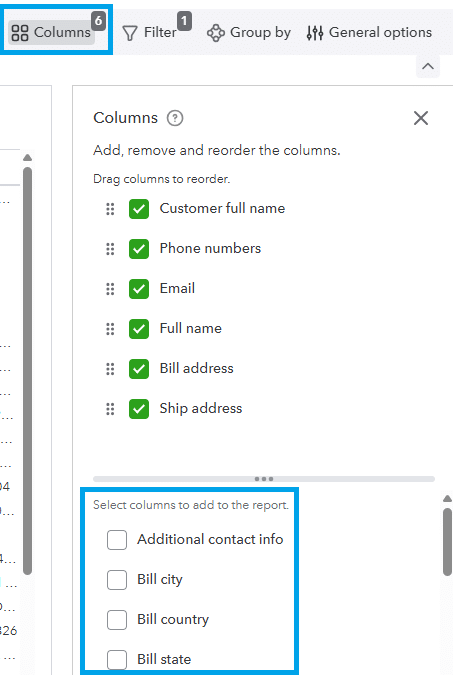
3. Click Columns, and then choose additional fields as needed.
4. Click Export > Export To Excel.

Vendors
Vendor Export From QuickBooks Online
1. In QuickBooks Online, go to Reports > Standard Reports.
2. In the Expenses and Vendors section, click Vendor Contact List.

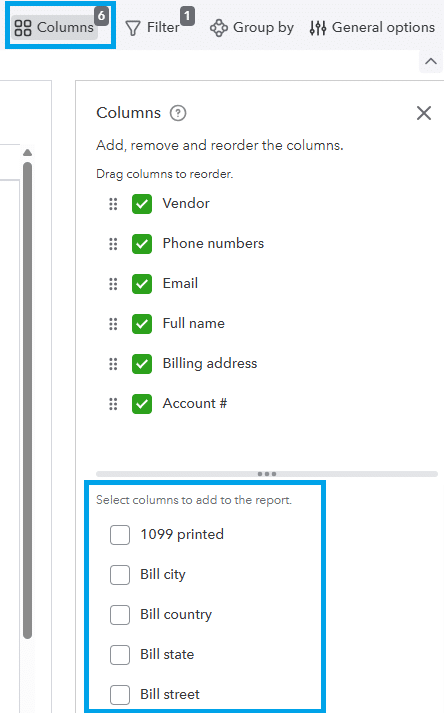
3. Click Columns, and then choose additional fields as needed.
4. Click Export > Export To Excel.
Items
Item Export From QuickBooks Online
1. In QuickBooks Online, go to Reports > Standard Reports.
2. In the Sales and Customers section, click Product/Service List.

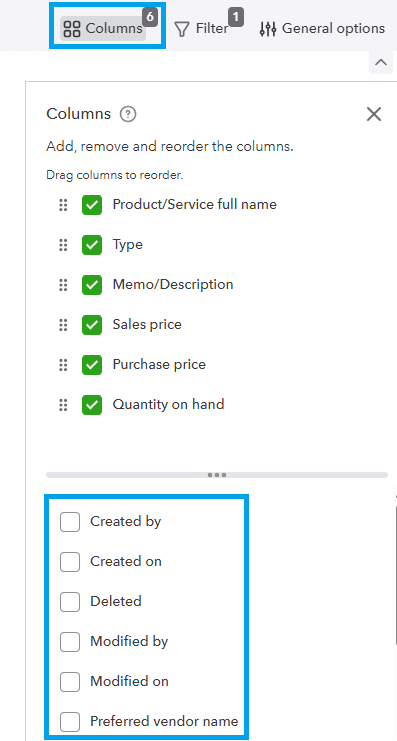
3. Click Columns, and then choose additional fields as needed.
4. Click Export > Export To Excel.