Next Check Number
This FAQ will go over how to fill in the next check number on a check.
Next Check Number
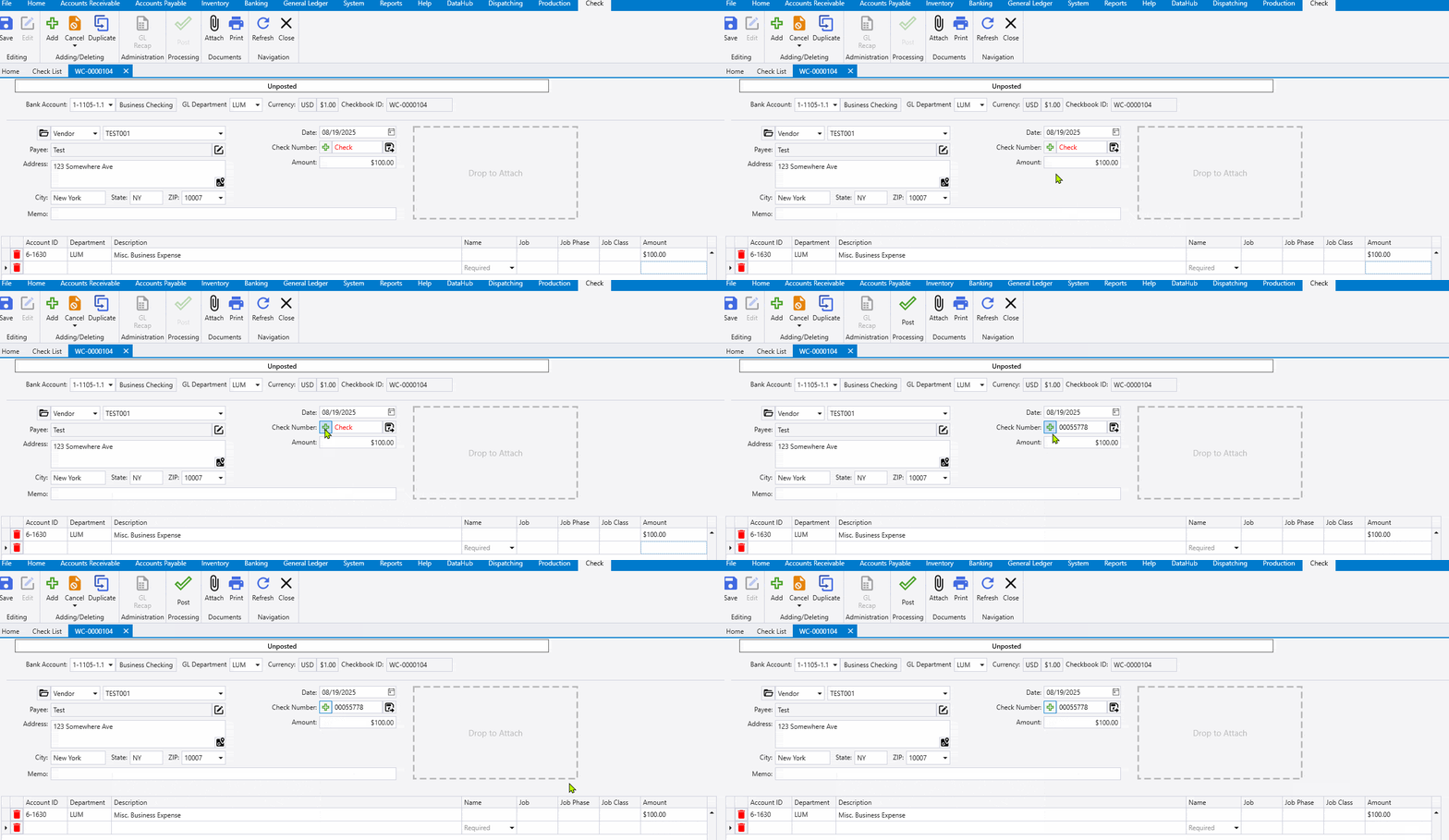
The next check number can be selected on a check by clicking the green plus button.
Reset Check Numbering
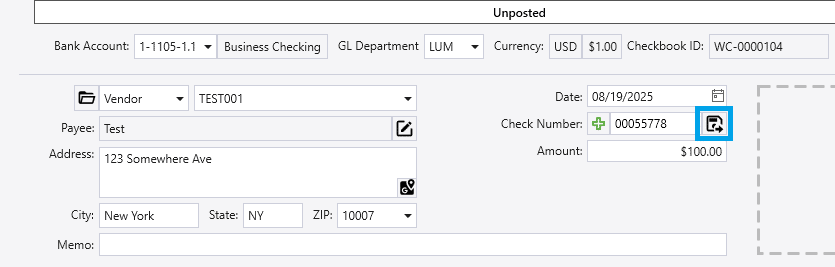
Click the “save” button by the “check number” field to reset the check numbering.
If the user is entering a number ahead of the current check number, they do not need to press this button. It is only needed for moving the next check number backward.