Samsara Integration
This FAQ will go over the Samsara integration with Paradigm and any setup that might need to be done. The Samsara Integration allows trips created in Paradigm Dispatching to be sent to the Samsara system or driver app. Proof of delivery information, such as pictures or documents collected in the Samsara driver app, are imported into Paradigm and attached to the trip and orders. When a driver departs a stop in Samsara, the stop is marked as complete in Paradigm.
Set Up
To view the Samsara integration settings, go to Company Preferences > Add-Ons.
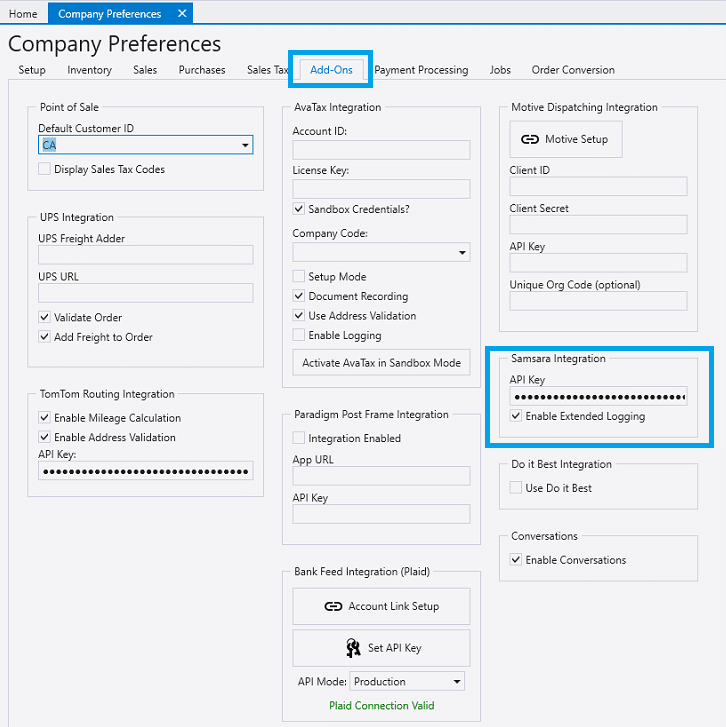
API Key
- Enter the Samsara API Key into the API Key text box.
- The key should be set up with the following access below.
- Read: Drivers, Vehicles
- Read/Write: Vehicle Trips
Enable Extended Logging
- The option Enable Extended Logging controls whether requests and responses from the Samsara API are logged in the Paradigm Server log file. This can be useful for troubleshooting, but should be disabled if everything is working correctly.
Driver Names
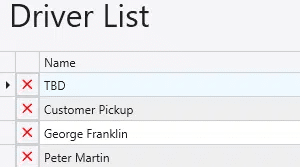
- The Driver names in Paradigm must be an exact match with the driver names entered in the Samsara driver list.
Usage
Send to Samsara
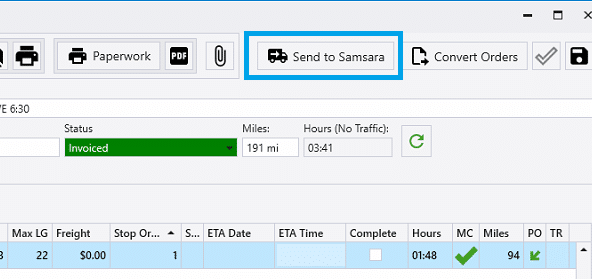
A dispatch is created in Samsara by clicking the Send To Samsara button on the trip info screen. If any changes are made to a trip after it has been sent to Samsara, the dispatch will automatically be re-sent and updated in Samsara. Note that if the Dispatch has already been completed, Samsara will not allow it to be changed.
Samsara requires Latitude and Longitude information for all addresses. If the latitude and longitude cannot be auto determined by the TomTom service, it must be manually set on the order, in the ship to address section. When entering coordinates, use either format shown here:
- 40.689212380759265, -74.04455969155815
- 40°41’21.2″N 74°02’40.4″W
Clear Dispatch in Samsara
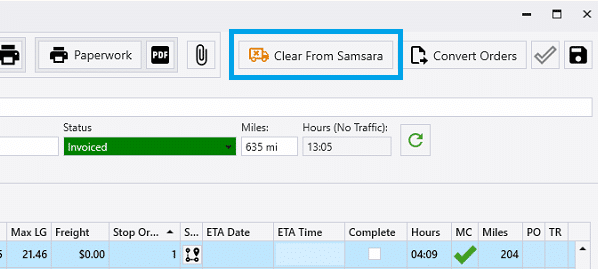
A Dispatch may be removed from Samsara by clicking the Clear From Samsara button on the trip info screen. Note that if the Dispatch has already been completed, Samsara will not allow it to be cleared.
Proof of Delivery Photos and Signatures
Photos and signatures recorded in the Samsara app will be imported as attachments on the trip and order. It will also mark stops as complete after the stop enters the Samsara “Departed” status. If enabled, Delivery Notifications will be triggered when the stops are marked as completed.
Links to Samsara

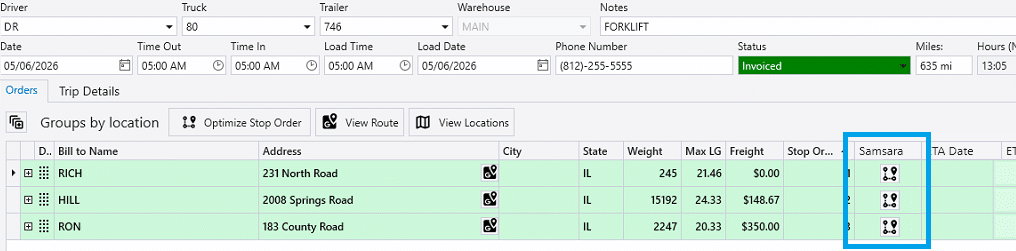
The button that appears in the Trips / Pulling tab of the order is for View External Trip Status. Clicking the button attempts to load the trip information and status in Samsara.
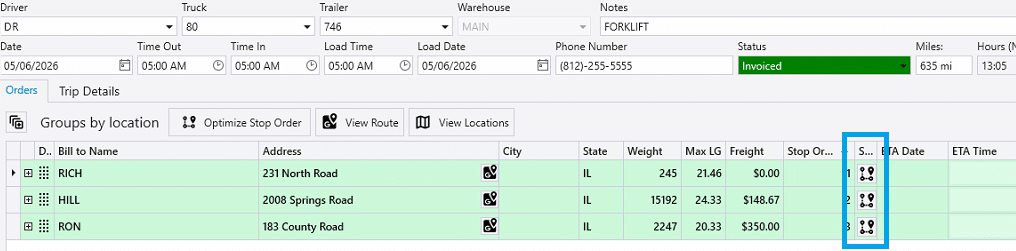
The View External Trip Status button also appears in the Trip Details window. The Orders tab within the details window shows the list of orders that’s on the trip, and the optional column “Samsara” shows the button for opening the trip info in Samsara.