Cancel and Void
This FAQ will go over canceling and voiding transactions in Paradigm. It will also go over if it can be undone and how to find transactions that are voided or canceled.
Cancel
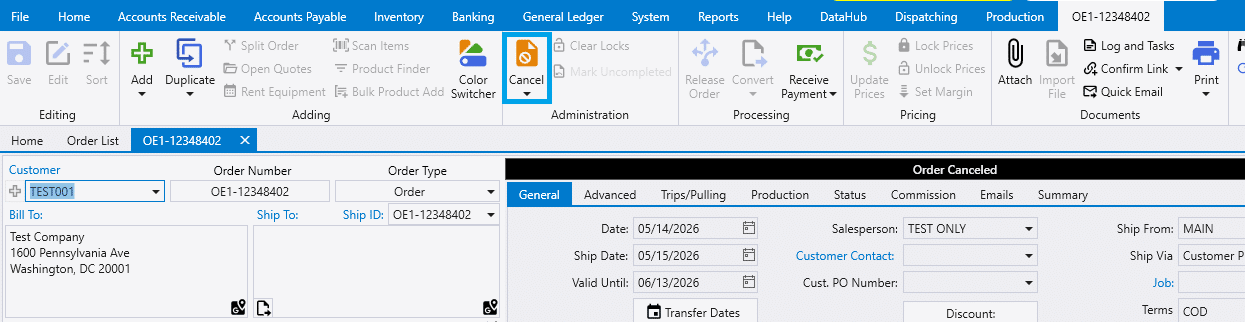
When a transaction is canceled, the status bar will turn black and say Canceled. Any items that were released to production will be canceled as well and will no longer show up in Production. To “uncancel” the transaction, simply click the cancel button again and the order will be restored.
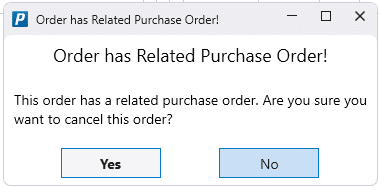
When a order has a related purchase order, there will be a warning before it is cancelled or deleted. This order has a related purchase order. Are you sure you want to cancel this order?
Void
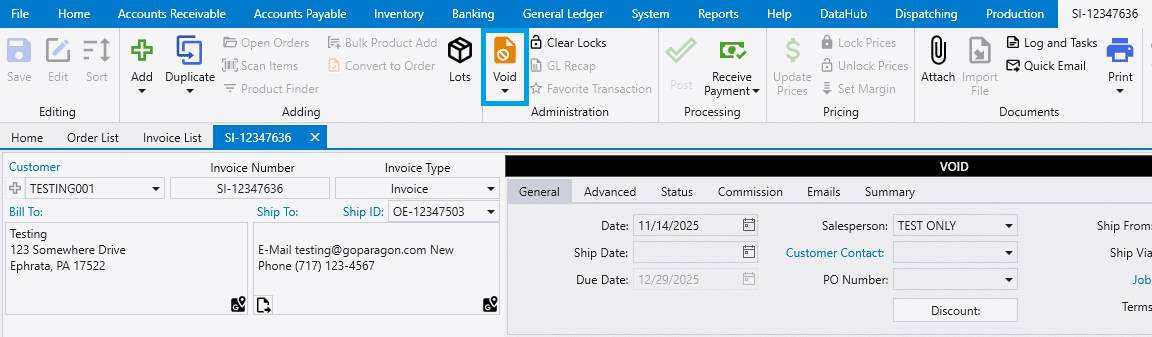
When an invoice is voided, the status bar will say VOID. The invoice can still be opened after it is voided, but it cannot be undone.
Finding Void or Canceled Transactions
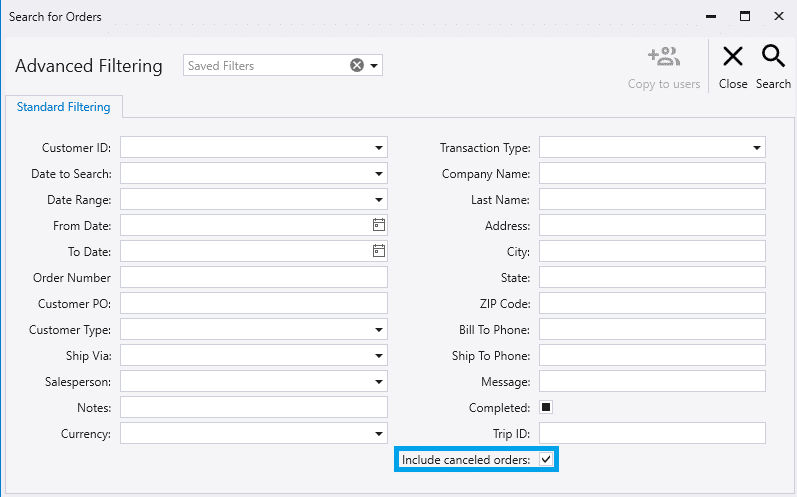
To find a void or canceled transaction on a list, go to the list and click the advanced filter button.

Check the box beside Include canceled orders. (“Include Voided Invoices” on the invoice list.)