Paradigm Log Files
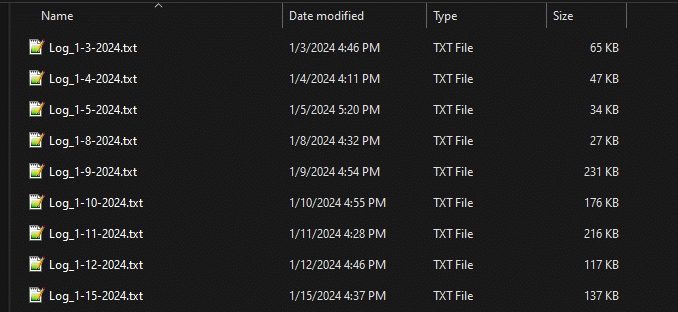
This FAQ will go over how to find Paradigm log files. When getting a log file from the folder, be sure to get the file that matches with the date of when the problem occurred.
A log file is a system-generated file that records events, actions, and errors that occur within Paradigm. It acts as a running history of what the system is doing in the background, helping track activity and diagnose issues.
Log Files

Send Log File
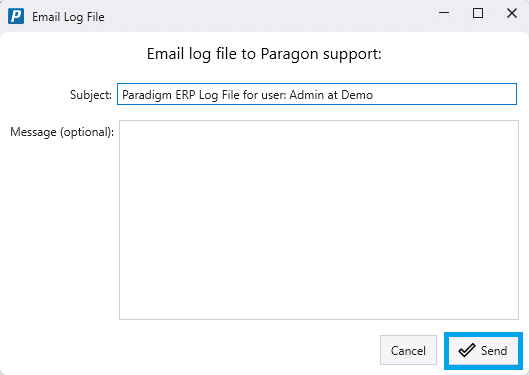
To email the log file directly to Paragon support, go to Help > Send Log File. Note that this requires the user to be set up to email out of Paradigm, more information on that can be found here: Set Up Emailing From Paradigm
Then add a message if needed and click Send.
Open Log File Folder
Click this button to open the log file folder. This folder contains all of the log files for the workstation.