Log And Tasks
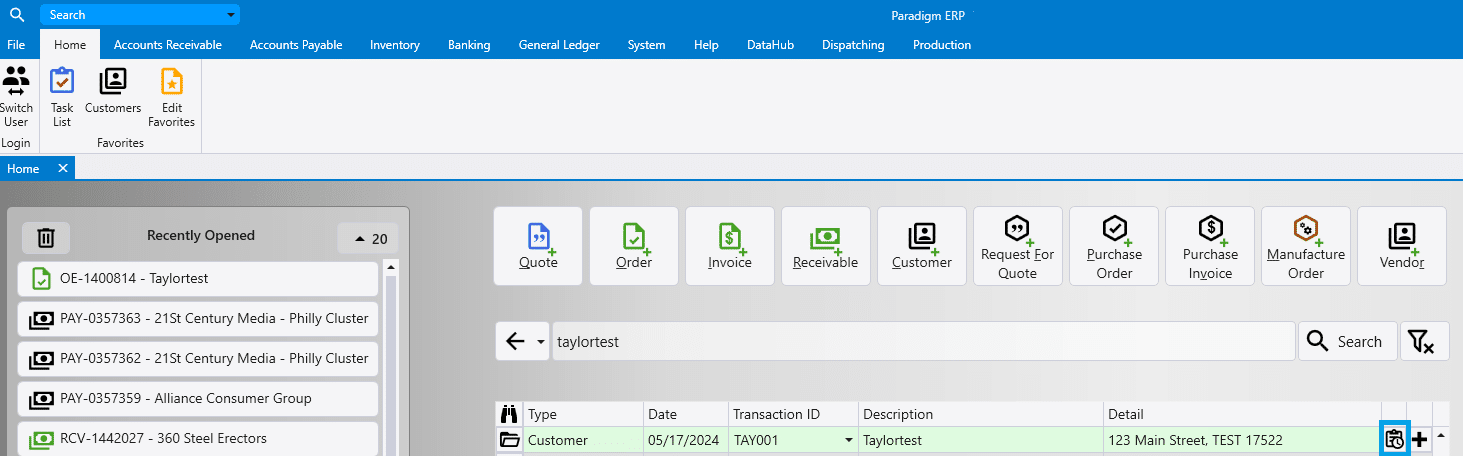
This FAQ will go over the Log and Tasks button in Paradigm and how to create a task directly from a customer ID.
Log and Tasks button
This feature can be found in the header on Quotes, Orders, Invoices and other transactions as well.

From this screen, new logs and tasks are able to be created.

Contact Log
The contact log can be used to keep track of any communication with a customer.

Tasks
More information on tasks can be found here: How to Use the Task List
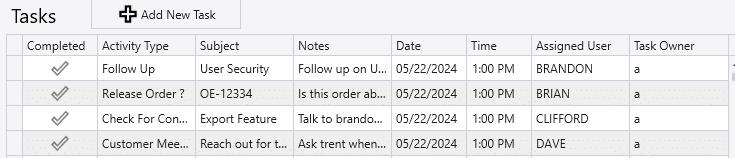
If a task linked to a transaction is overdue, the “Log and Tasks” button will be shown red in that transaction.
Creating a Task By Searching For a Customer ID
Searching for a customer ID in the home tab allows the user to create a task from the button highlighted below.