
Unposting Paid Invoices
This FAQ will go over how to unpost a paid invoice. This may be needed if an invoice or an order is under the wrong customer.
Find The Receivable
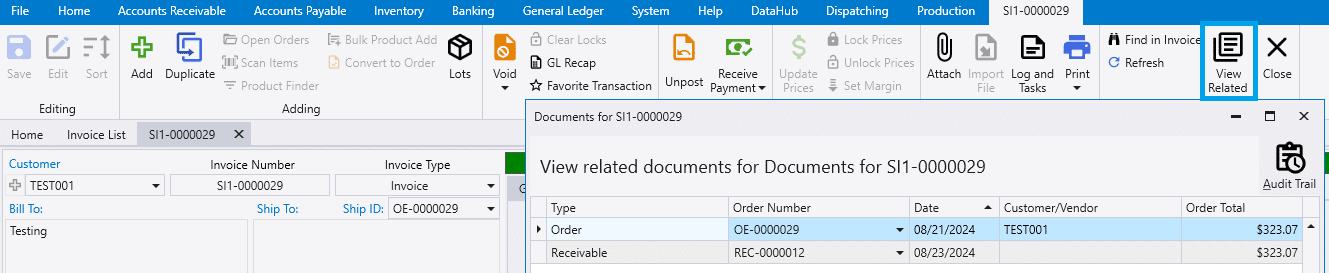
- To start, go to the receivable for the invoice.
- This can be found by going to the
View Relatedbutton in the header.
- This can be found by going to the
Unpost & Switch The Customer
- Unpost and temporarily change the customer on the receivable.
- Optionally, delete the receivable entirely if the details are not needed.
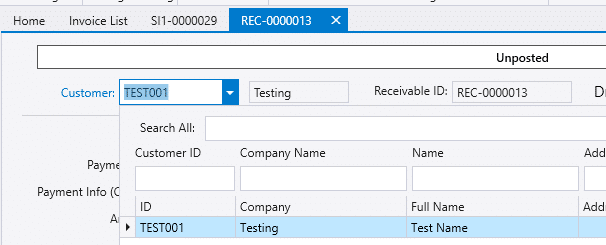
- The invoice can then be unposted and changes can be made to it.
- After that is done, post the invoice and then switch back the customer on the receivable.
- If the receivable was deleted it will need to be created again and applied to the invoice.